Capture · Record · Stream · Encode · DecodeCapture · Record · Stream · Encode · Decode
Multistreaming means going live on several platforms at the same time from one production, for example YouTube, Facebook and Twitch together. It is also called multiple-destination streaming. Almost every social platform now offers live video, and each has its own audience, so sending one stream to several of them makes your content available to more viewers. This article explains what multistreaming is, why it is worth doing, and three ways to do it.
Multistreaming is streaming one live video to several platforms or destinations simultaneously. You produce the programme once, and it is delivered to each destination, such as Facebook, YouTube, Twitch or your own RTMP server.
1. Expand your reach
Each platform you add is another place for people to find you. You no longer have to choose between a mainstream platform and a specialist one, because the same programme can go to both.
2. Reduce time and effort
Without multistreaming you would have to run the same broadcast again for each platform. Sending one production to every destination at once saves that time and effort.
3. Better understand your audience's preferences
Each platform has its own analytics, which show who is watching and what they respond to. If you normally stream gameplay to Twitch, for example, sending the same stream to YouTube may show that it is well received there too. Over time this tells you where your audience is most active, so you can concentrate your effort on those platforms.
4. Make viewing more convenient for your audience
Multistreaming helps viewers as well as the person producing the content. People can watch on the platform they already use, and you do not have to steer everyone to one place.
There are several ways to multistream, and the right one depends on your requirements, your equipment and your internet connection. Here are three.
1. Multistreaming hardware encoders
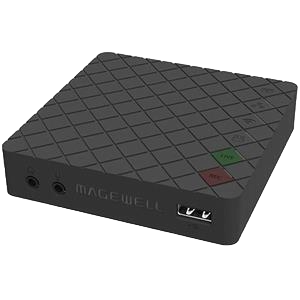
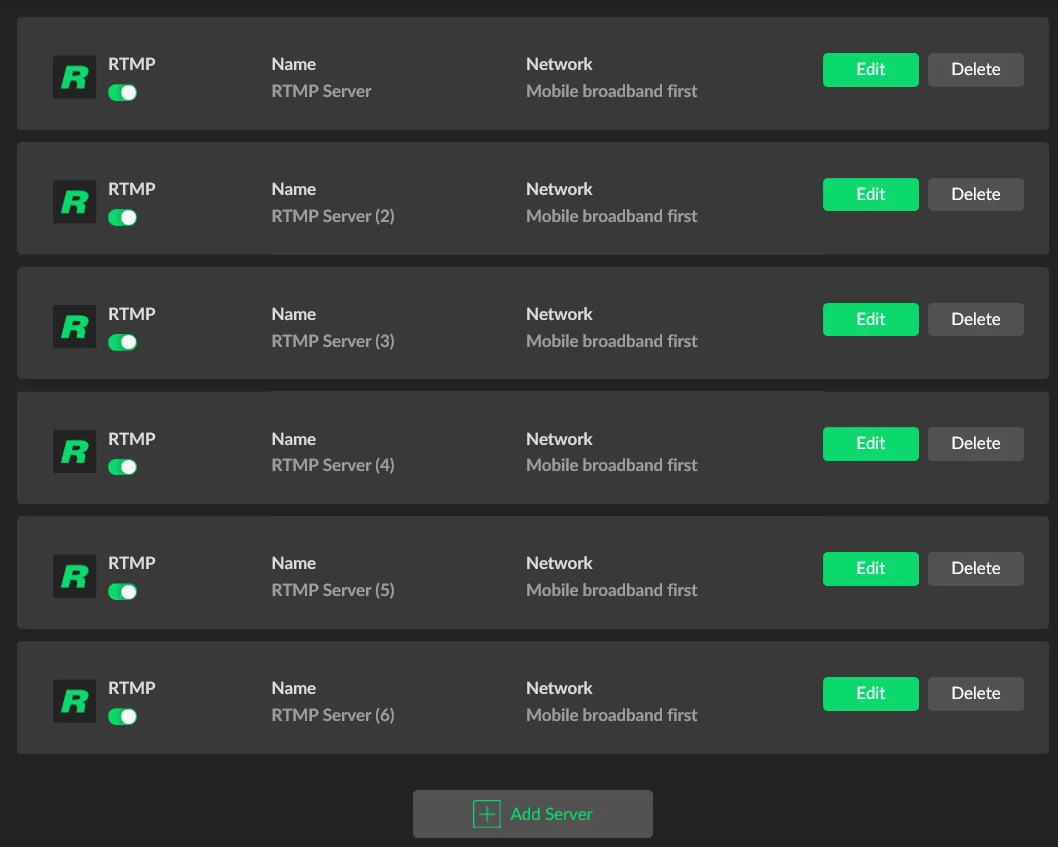
A hardware encoder with multiple outputs does the work in one box, with no computer. Magewell's Ultra Stream encoders, such as the Ultra Stream HDMI, run two streaming sessions at once, which covers two platforms. The Ultra Encode family goes further: the Ultra Encode HDMI sends up to six RTMP or RTMPS sessions simultaneously. A hardware encoder may cost more than encoding software, but it gives consistent encoding performance because it does nothing else. Each destination is a separate stream from your site, so your internet upload speed must cover all of them added together.
2. Multistreaming software
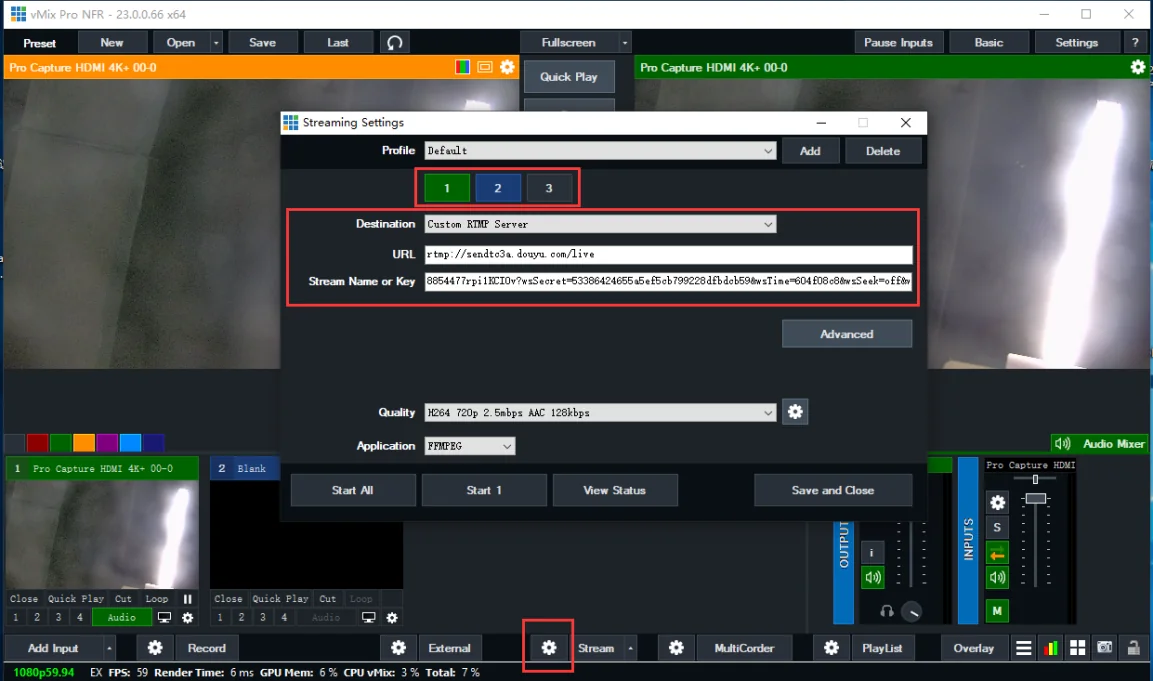
Some live production software can send a programme to more than one destination. Every extra destination adds to the processing load on the computer and to the upload bandwidth you need. That raises the risk of dropped frames or buffering, and can affect the encoding quality of every stream. If you multistream from software, make sure the computer is powerful enough for the number of streams and that you have enough upload bandwidth for all of them.
3. Cloud-based multistreaming platforms
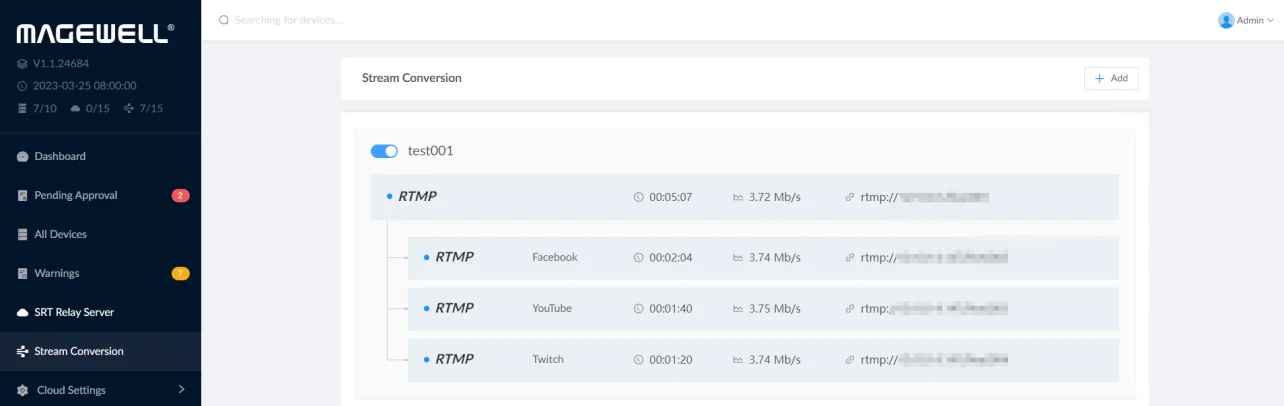
With this approach you send a single stream to a server, and the server copies it to each destination. Your site only needs enough upload bandwidth for one stream, and no multi-output encoder or software is required. The extra step adds some delay, which does not matter for most broadcasts. Magewell Control Hub software (formerly Magewell Cloud) can do this. Its stream conversion feature converts between RTMP, SRT, RTSP and transport streams over UDP or RTP, and sends one incoming stream out to several destinations. It runs on your own server or in a public cloud. The Control Hub Basic licence allows five conversion channels and 20 outputs in total.
ForeFront Imaging is the authorised UK distributor for Magewell. We stock the full range and can help you spec the right solution.
Browse Products Talk to UsNo marketing noise. Just new product launches, firmware updates, and the occasional guide.
No spam. Unsubscribe any time. Your email is never shared.
Enjoying your visit? Quick rating of your browsing experience so far:
Anything specific? (optional)