
Applications
Magewell Solutions by Industry
Pick the job closest to yours to see which Magewell capture, streaming and IP video products suit it. Each product link opens the full specification.
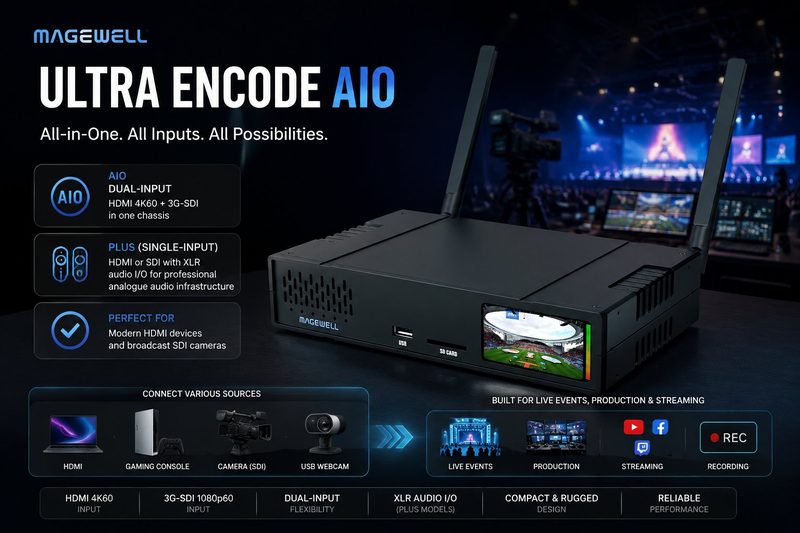
A standalone encoder, so there is no streaming PC to look after. It takes an HDMI source up to 4K60 and an SDI source up to 6G, and encodes one programme: either input, or both mixed as picture-in-picture or side by side, at up to 4K30. It sends up to six streams at once over RTMP, RTMPS, SRT, NDI HX2 or HX3 and HLS, and records to an SD card, USB drive or NAS at the same time. That suits live events, broadcast installations and houses of worship.
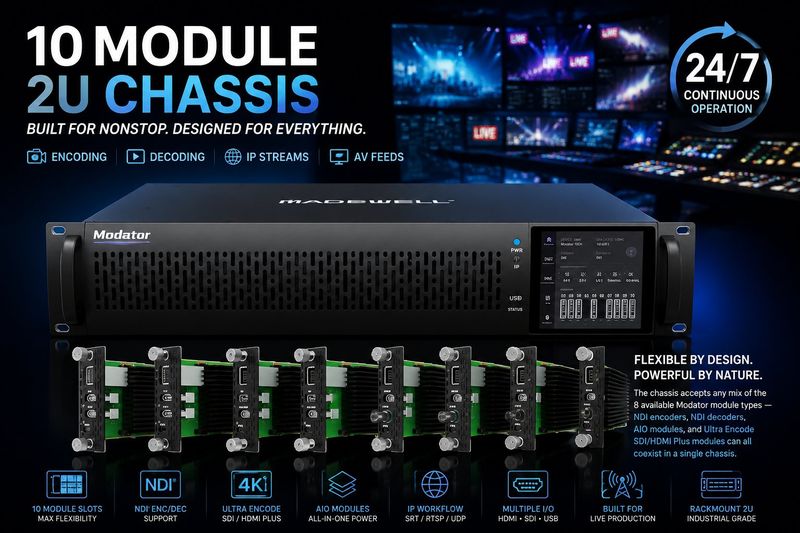
A 2U rack chassis with ten slots for hot-swappable modules in any combination: Pro Convert NDI encoders, Pro Convert decoders and Ultra Encode HDMI Plus or SDI Plus streaming encoders can share one chassis. Fit the channels you need now and add a module at a time later. Each module has its own network port and is managed on its own. Dual hot-swappable power supplies make the chassis suitable for 24/7 operation in broadcast facilities, IPTV headends, corporate AV and houses of worship.
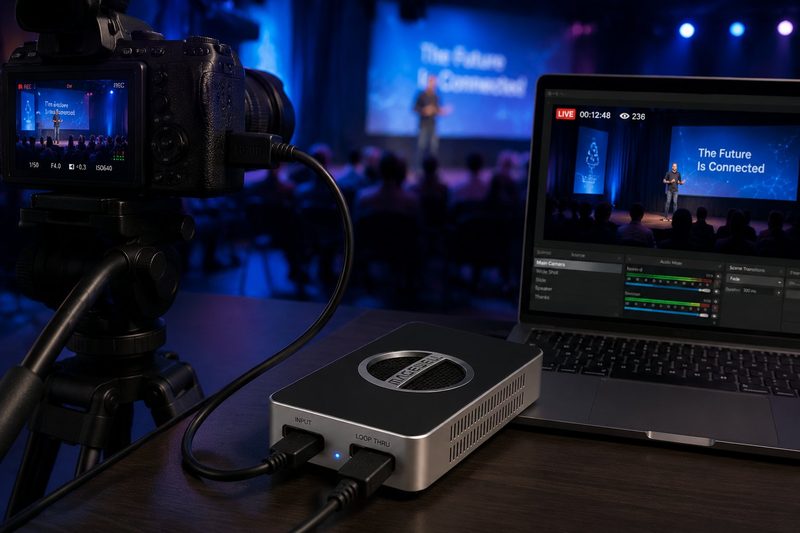
Connect an HDMI camera or document camera to a laptop by USB and it appears as a video source in OBS Studio, Microsoft Teams, Zoom Rooms and other capture software. Installation is driver-free and the device is powered from the USB port, so there is nothing to install and no power supply to carry. The HDMI loop-through keeps the lecture theatre screen showing the source while you capture. The whole USB Capture range installs the same way, so one routine covers every room.
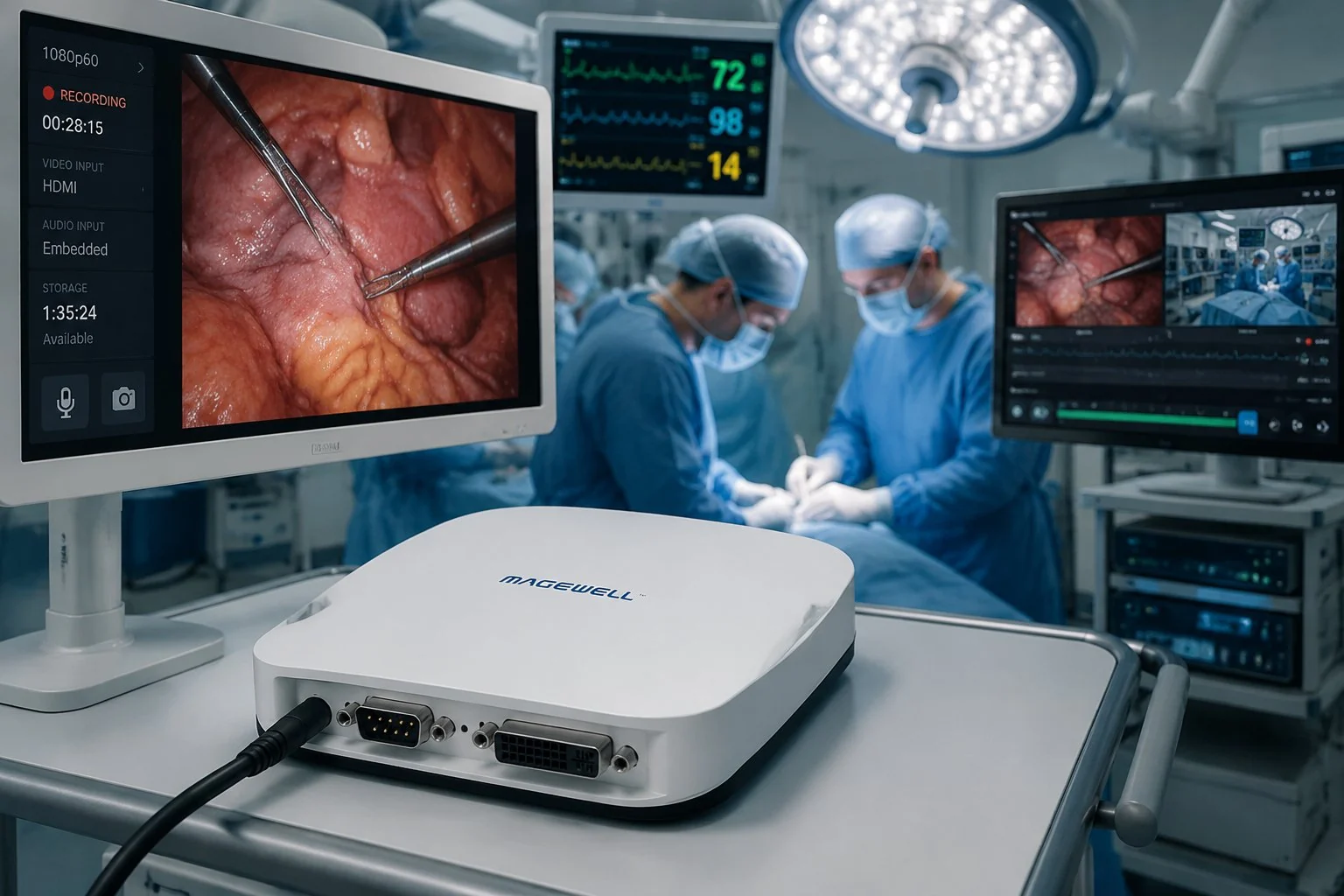
One USB box accepts SDI, HDMI, DVI, VGA, Component, Composite and S-Video, so it can take the output of both current and older imaging equipment. It is shown here recording a surgical camera; the same arrangement works for clinical training and teleconsultation. Installation is driver-free, which matters on managed hospital computers where adding software is difficult. Check with your clinical engineering team that a capture device is suitable for the intended use.

A standalone Magewell encoder takes SDI or HDMI from the camera or vision mixer and streams straight to YouTube, Facebook, Twitch or any RTMP or SRT destination. There is no laptop or production PC in the chain, so there is less to carry and less to go wrong. The signal path is the same for a football match, a boxing night or a conference keynote: camera, encoder, platform.
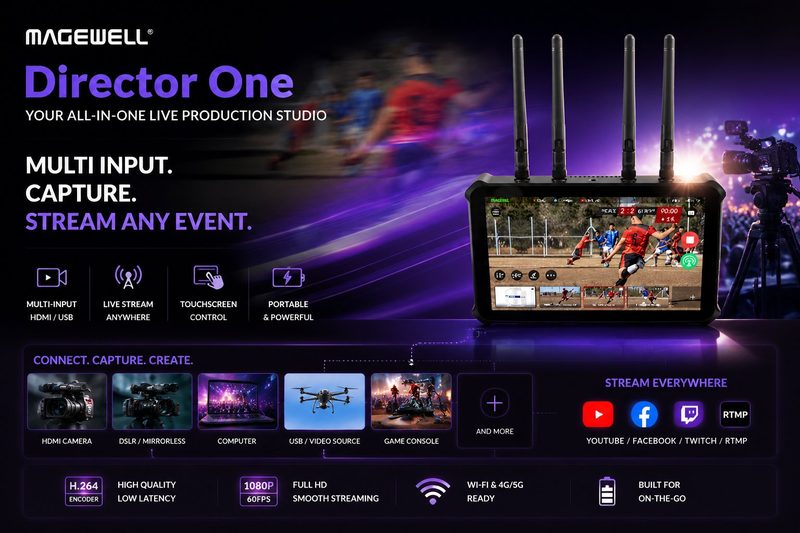
Connect two HDMI and two USB video sources, add up to three IP sources such as NDI or SRT, and switch between them on a 7-inch AMOLED touchscreen. Add graphics, a scoreboard or timer and chroma key, then stream to up to four destinations over Ethernet, Wi-Fi or the built-in 4G modem, and record to the 64 GB internal storage or an SD card. It replaces the laptop, vision mixer and streaming PC with one unit that runs from mains or NP-F batteries.
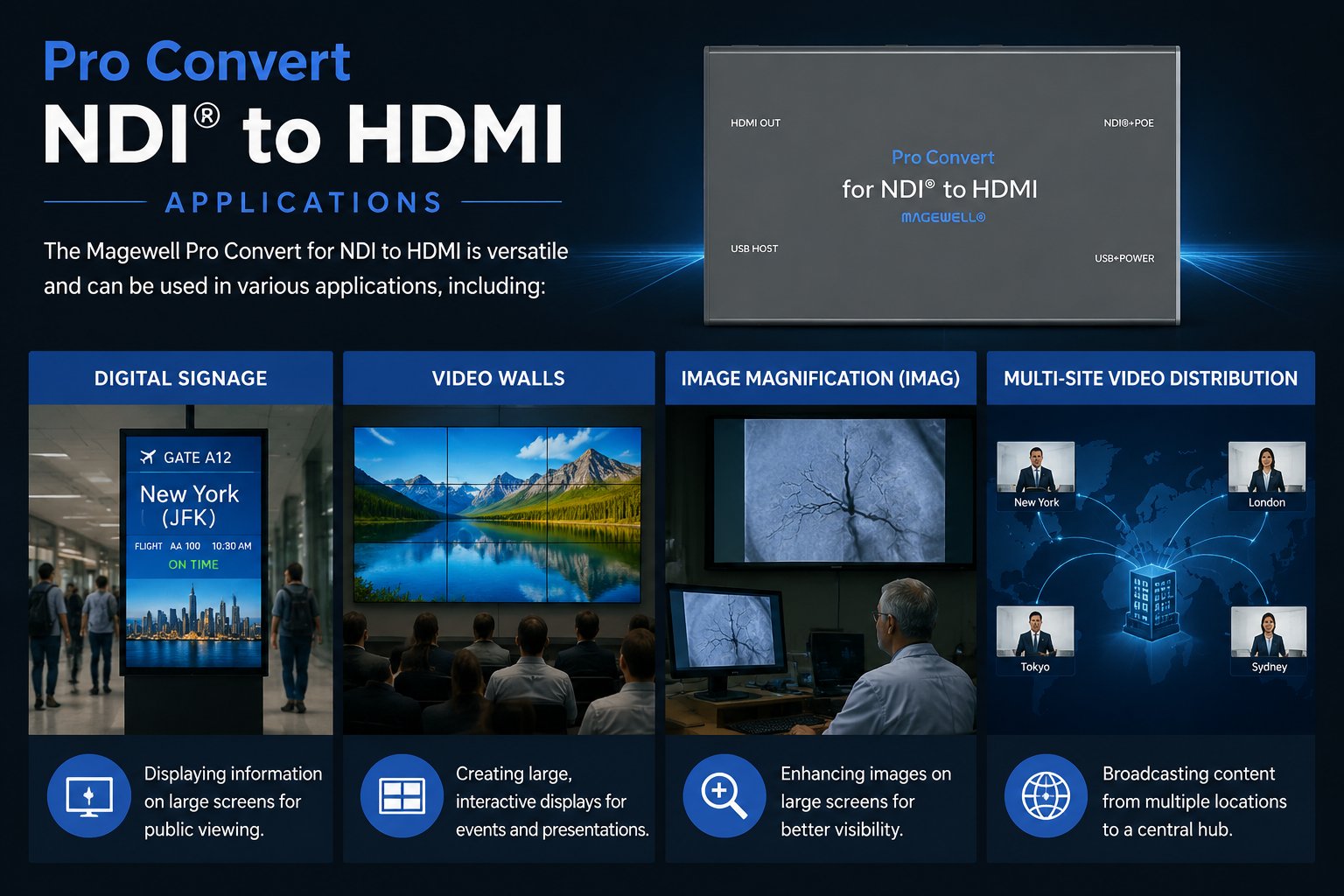
Decodes an NDI, SRT, RTMP or RTSP stream and puts it on an HDMI display, with no PC behind the screen. It is powered over PoE, so one network cable is all a signage screen, an IMAG display or a monitor in another room needs. Sources up to 1080p60 are scaled up to fill a 4K display.
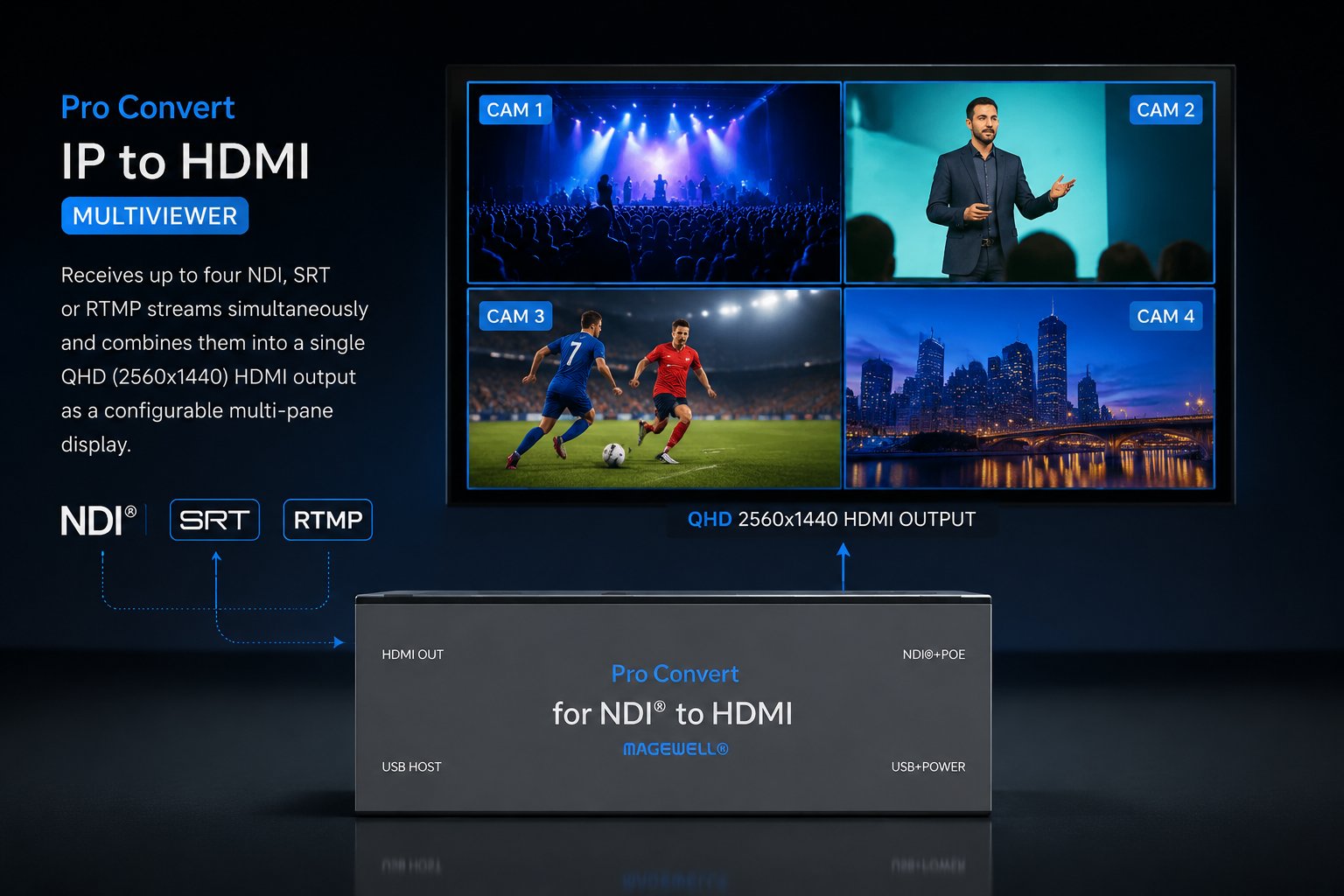
The Pro Convert IP to HDMI 4K decodes up to four HD streams at once and shows them as a 2×2 quad split on one HDMI display, each at up to 1080p60, with no PC. Quad split works with H.264 and H.265 sources such as NDI HX, SRT and RTMP. It can also show one 4Kp60 stream full-screen or two streams as picture-in-picture.
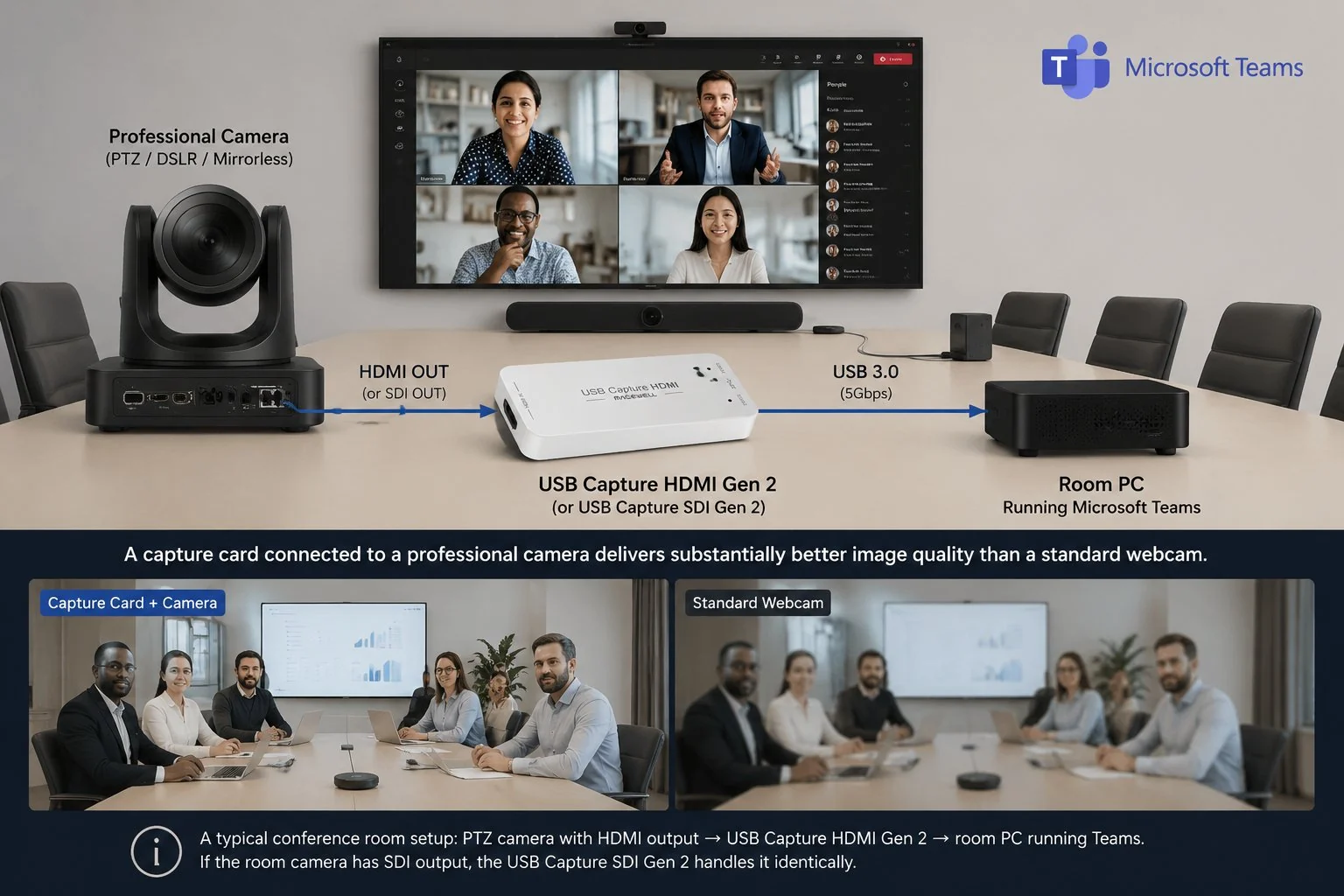
PTZ camera HDMI out → USB Capture HDMI Gen 2 → room PC → Microsoft Teams, Zoom Rooms or other conferencing software, where it appears as a camera you can select. Installation is driver-free and the device takes its power from the USB port, so the same unit can go into every meeting room with nothing to install. For town halls and presentations, add an Ultra Encode HDMI to stream from a fixed room without a dedicated streaming PC.
No marketing noise. Just new product launches, firmware updates, and the occasional guide.
No spam. Unsubscribe any time. Your email is never shared.
Share your project with us — your experience helps other customers in similar industries make informed decisions. Takes 5 minutes.
Submit a Case Study →Enjoying your visit? Quick rating of your browsing experience so far:
Anything specific? (optional)