Capture · Record · Stream · Encode · DecodeCapture · Record · Stream · Encode · Decode
Choose a USB Capture device to bring one video source into a computer. Choose the USB Fusion when you want to switch between several sources, or show two at once, before the picture reaches the computer.
Both connect to the host computer over USB 3.0 and appear to software as a video source, but they do different jobs. The USB Fusion is a multi-input device with source switching and layout control built in. The USB Capture Gen 2 and Plus devices are single-input capture devices. This article compares them in two ways: what each device does, and how you work with it.
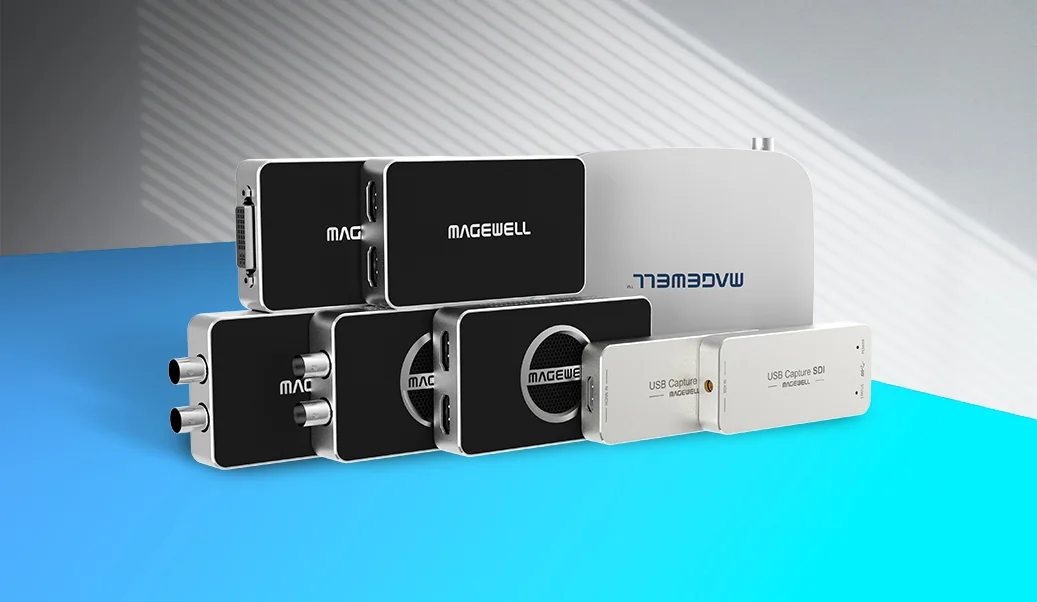
USB Capture. USB Capture and USB Capture Plus devices bring one AV signal into your software. Installation is driver-free and the input format is detected automatically, so there is little to set up. They take their power from the USB port, which lets a laptop capture an HDMI, SDI or DVI source with a single USB 3.0 cable and no mains adapter.
USB Capture devices come in HD and 4K models with a choice of input, for example the USB Capture HDMI Gen 2 for sources up to 2K and the USB Capture HDMI 4K Plus for 4K. Scaling, de-interlacing, colour conversion and similar processing are done inside the device, so that work does not fall on the host computer’s CPU.
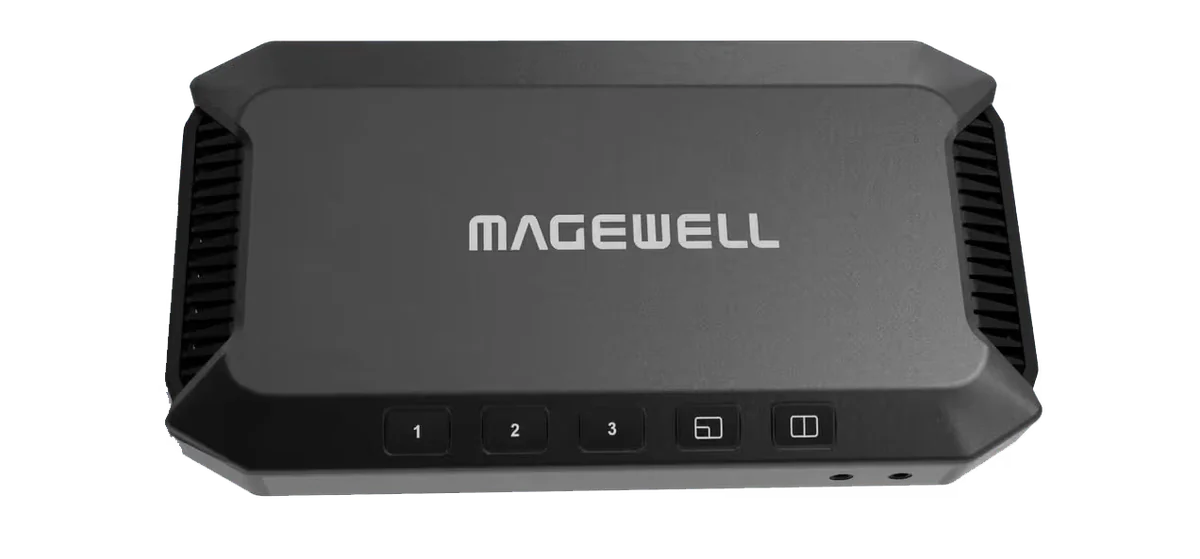
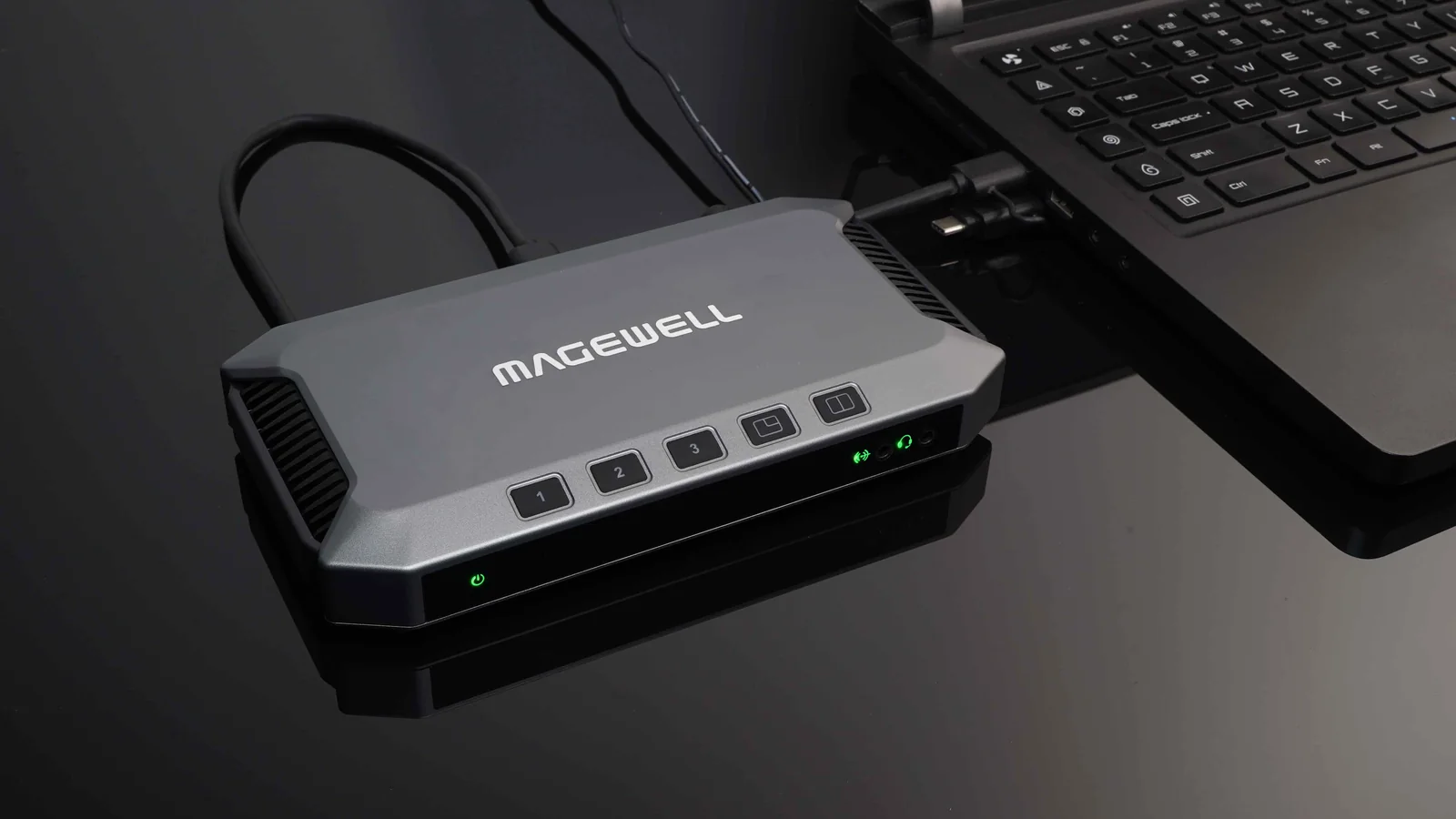
USB Fusion. USB Fusion accepts several sources, combines them and delivers the result to software as one picture. It has two HDMI inputs and one USB webcam input, each up to 1080p at 60 fps, and accepts wireless screencasts over AirPlay, Miracast and Google Cast. It can switch between sources, or combine two at once as picture-in-picture or side-by-side. The result reaches the computer through its USB 3.0 output at up to 1920×1080 and 60 fps. Unlike a USB Capture device, it runs from its own supplied 12 V power adapter, so plan for a mains socket.
USB Fusion suits presentations that use more than one source, such as remote teaching, webinars and video calls, where viewers need to see the speaker and the material together. It is controlled from buttons on the unit, a web interface or the USB Fusion app for iOS and Android. The app gives fuller control of layouts and lets you bring pictures, PDF files and video clips into a presentation and add handwritten notes. The output can also be recorded to the 128 GB of built-in storage or streamed over RTMP.
A USB Capture device brings a single source into software for streaming, encoding, video conferencing, lecture capture or another application. Core processing such as scaling can be done in the device, but anything creative, such as combining the picture with other sources, is done in your software. That is the right arrangement when you already use production software such as OBS Studio, or when one camera or one laptop feed is all you need.
USB Fusion does the combining itself. It builds picture-in-picture and side-by-side layouts in the hardware, so the host computer receives a finished picture and video-call software simply treats it as a webcam. Through the USB Fusion app, teachers, webinar presenters and event hosts can prepare presentation playlists in advance and include pre-recorded audio and other media files in a session. The app’s annotation tools mark up presentation material, and the annotations can be exported to a file to share after the class or event. Sessions can be recorded through the app to the built-in storage for later playback. Because the output arrives in software over USB 3.0, you can still process it further there if you wish.
In short: one source and software you already know points to USB Capture. Several sources and a presenter who wants to switch them without production software points to USB Fusion.
ForeFront Imaging is the authorised UK distributor for Magewell. We stock the full range and can help you choose between USB Fusion and a USB Capture device.
Browse Products Talk to UsNo marketing noise. Just new product launches, firmware updates, and the occasional guide.
No spam. Unsubscribe any time. Your email is never shared.
Enjoying your visit? Quick rating of your browsing experience so far:
Anything specific? (optional)