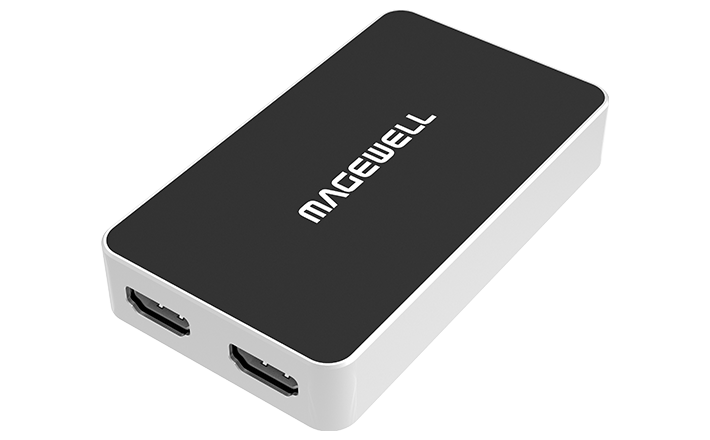
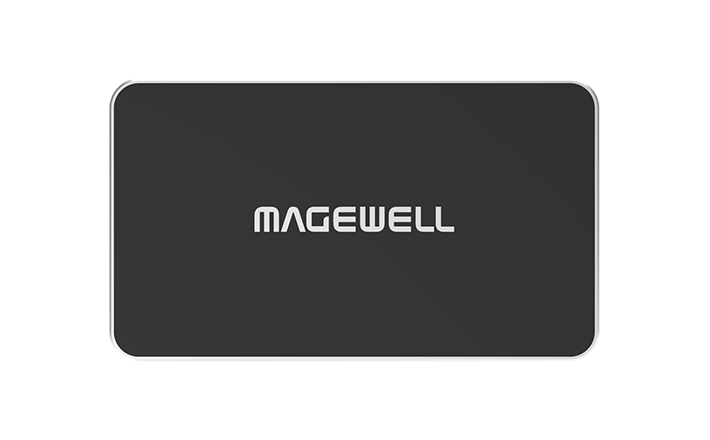
Magewell USB Capture HDMI Plus
Trade account? See reseller pricing. Already working with a reseller? See our resellers.
Capture, monitor and listen — all from one device.
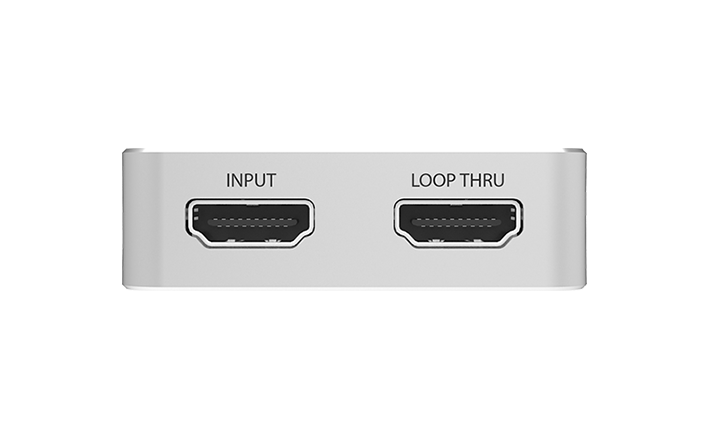
- ✓HDMI input with zero-latency HDMI loop-through output
- ✓3.5mm line-in and line-out audio jacks
- ✓FPGA onboard processing, zero CPU usage
- ✓Captures up to 1080p at 60fps
- ✓8-channel 24-bit HDMI audio at up to 192kHz
- ✓Driver-free on Windows, Mac, Linux, Chrome OS
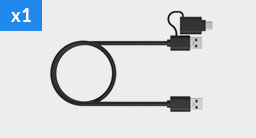
- ✓USB bus-powered, no external adapter needed
- ✓Custom EDID support
About this product
The Magewell USB Capture HDMI Plus adds the two features streamers and presenters ask for most: a zero-latency HDMI loop-through output for local monitoring, and 3.5mm audio jacks for connecting a headset or external microphone.
If you are a gamer, the loop-through lets you play on your TV with zero delay while OBS captures every frame. If you are a presenter, you can see your slides on the room projector while your webinar software captures the feed.
The built-in FPGA chip processes everything onboard, keeping your CPU free for encoding.
The HDMI 1.4/DVI-D input covers slightly older sources alongside current HDMI gear, accepting up to 4096×2160 at 30fps in full 4:4:4 colour, or 60fps at reduced 4:2:0 chroma — capture resolution itself tops out at 2048×2160, with USB 3.0 bandwidth the limiting factor above that.
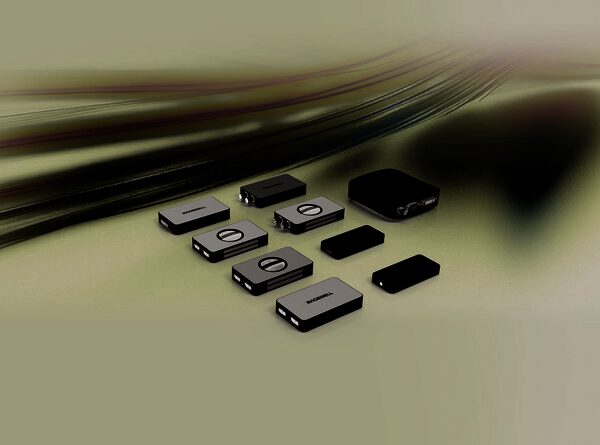
Related Products
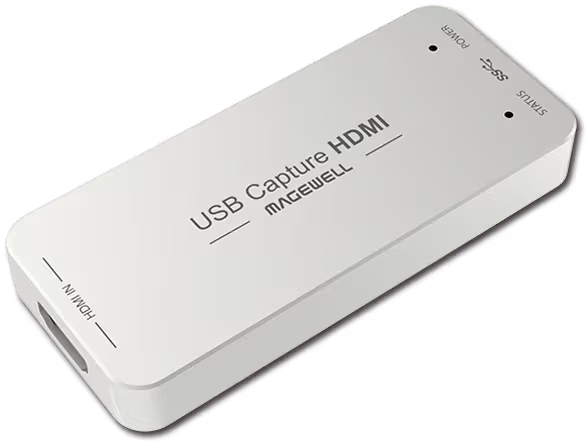
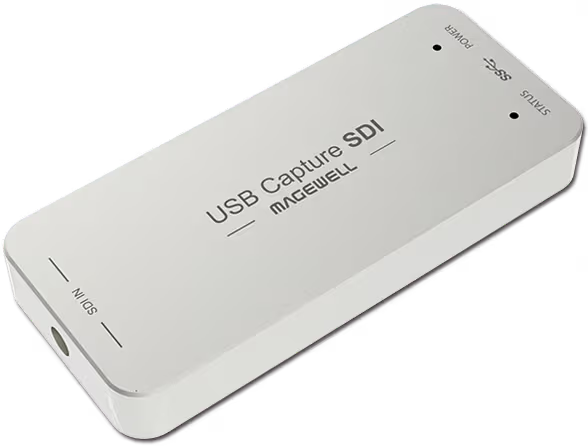
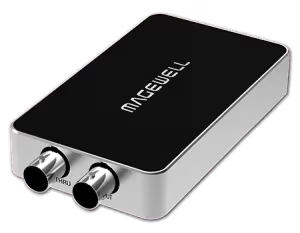
Further Reading
Frequently Asked Questions
Yes. The USB Capture HDMI Plus appears as a standard UVC capture device in OBS Studio on Windows, macOS and Linux — no extra plugin or driver needed. Select it as a Video Capture Device source.
The USB Capture HDMI Plus supports Windows 10/11, macOS 10.9+, Linux, Chrome OS. It uses the UVC standard so it works without installing drivers on most platforms.
The USB Capture HDMI Plus captures at up to 1920x1080 @ 60fps. Check the full spec sheet for the complete list of supported resolutions and frame rates.
Yes. Because the USB Capture HDMI Plus presents itself as a standard webcam/capture device via UVC, it is recognised by Microsoft Teams, Zoom, Google Meet and most other video conferencing platforms without any additional software.
Yes — it draws power from the USB port itself (USB bus-powered), so no external power supply is required.
The USB Capture HDMI Plus connects via USB 3.0. It is backward compatible with USB 2.0 ports but capture performance will be limited at lower USB speeds — a USB 3.0 port is recommended for full-resolution capture.
New products and Magewell updates
No marketing noise. Just new product launches, firmware updates, and the occasional guide.
No spam. Unsubscribe any time. Your email is never shared.