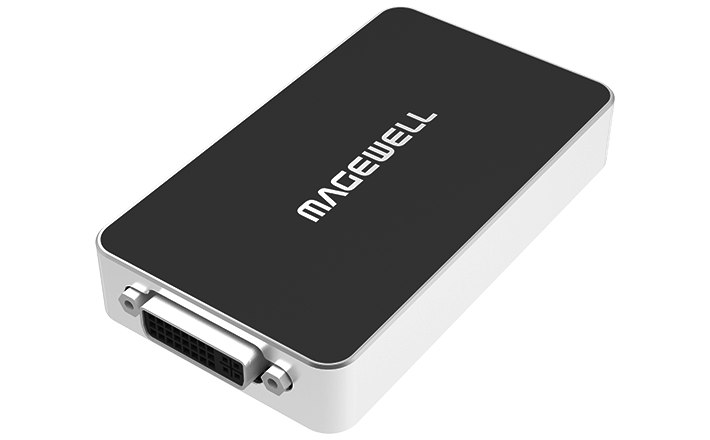
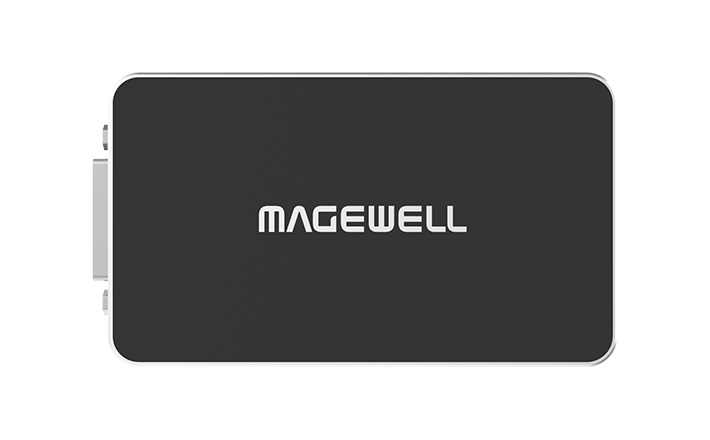
USB Capture DVI Plus
Capture DVI, VGA, HDMI and Component — one device for all legacy sources.
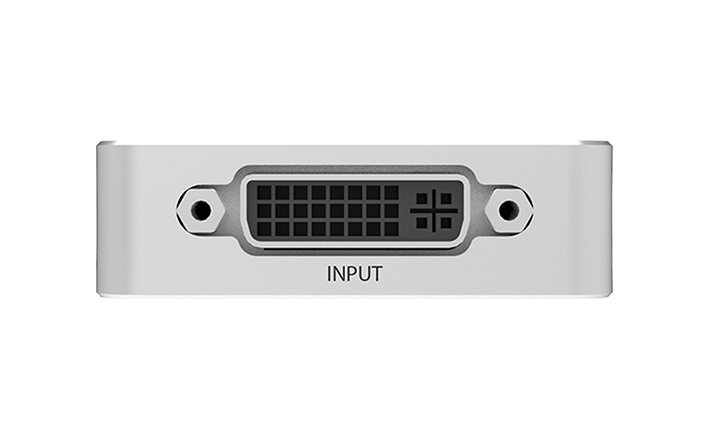
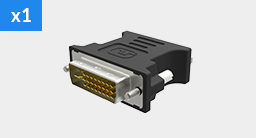
- ✓DVI-I input — accepts DVI-D, VGA, HDMI and YPbPr via adapters
- ✓DVI-D loop-through output
- ✓Captures up to 1920x1200 from digital sources
- ✓FPGA onboard processing
- ✓USB bus-powered, driver-free
About this product
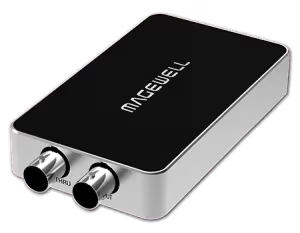
The Magewell USB Capture DVI Plus is the specialist capture device for DVI and legacy video sources. The DVI-I connector accepts digital DVI, analog VGA, HDMI, and Component signals via adapters, making it the only device you need for facilities with a mix of old and new equipment.
A DVI-D loop-through keeps a downstream monitor connected while capturing. Perfect for legacy medical equipment, educational visualisers, industrial monitors, and older presentation systems that predate HDMI.
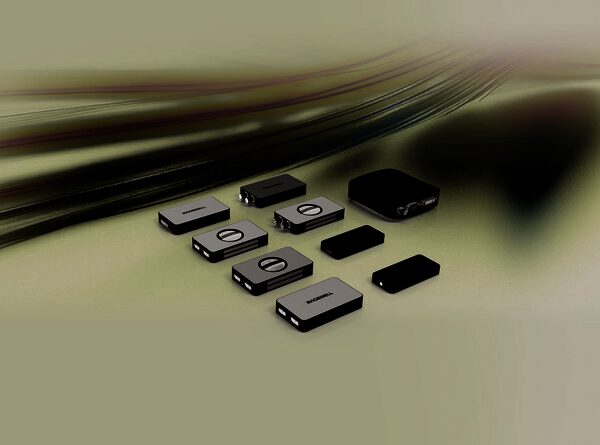
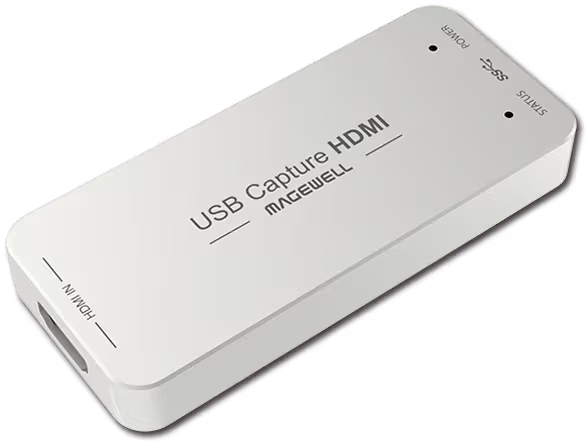
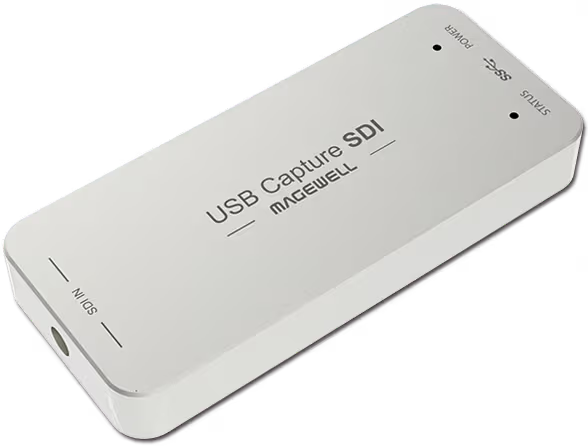
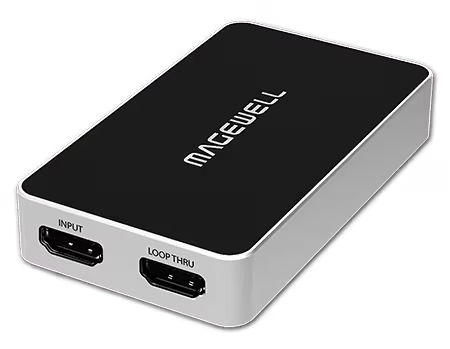
Related Products
New products and Magewell updates
No marketing noise. Just new product launches, firmware updates, and the occasional guide.
No spam. Unsubscribe any time. Your email is never shared.
Further Reading
Frequently Asked Questions
Yes. The USB Capture DVI Plus appears as a standard UVC capture device in OBS Studio on Windows, macOS and Linux — no extra plugin or driver needed. Select it as a Video Capture Device source.
The USB Capture DVI Plus supports Windows 10/11, macOS 10.9+, Linux. It uses the UVC standard so it works without installing drivers on most platforms.
The USB Capture DVI Plus captures at up to 1080p60. Check the full spec sheet for the complete list of supported resolutions and frame rates.
Yes. Because the USB Capture DVI Plus presents itself as a standard webcam/capture device via UVC, it is recognised by Microsoft Teams, Zoom, Google Meet and most other video conferencing platforms without any additional software.
Yes — it draws power from the USB port itself (USB bus-powered), so no external power supply is required.
The USB Capture DVI Plus connects via USB 3.0. It is backward compatible with USB 2.0 ports but capture performance will be limited at lower USB speeds — a USB 3.0 port is recommended for full-resolution capture.