Capture · Record · Stream · Encode · DecodeCapture · Record · Stream · Encode · Decode
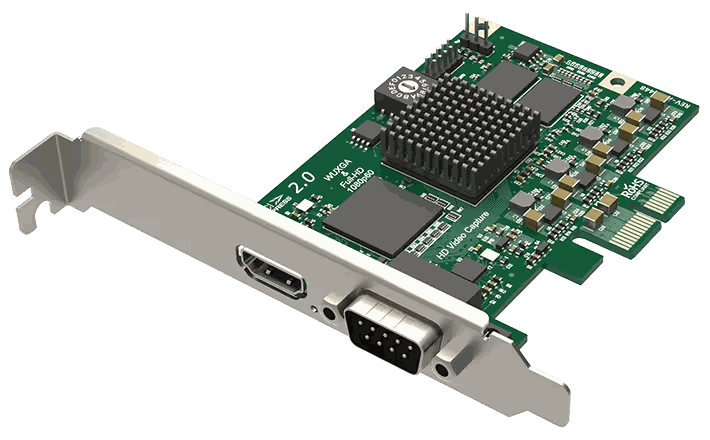
Not directly, but yes with a Thunderbolt expansion box. A laptop has no internal PCIe slot that you can fit a card into. To run a Pro Capture card from a laptop, check that the laptop has Thunderbolt, then fit the card in a Thunderbolt PCIe expansion box.
There are many Thunderbolt expansion boxes on the market. Magewell gives the Sonnet Echo Express SE II, the Sonnet xMac mini Server and the Akitio Node Pro as examples. Pick a box whose slot has enough lanes for your card: an x4 card needs an x4 or wider slot to run at its full transfer rate.
For capture on a laptop, the USB Capture HDMI Gen 2 and USB Capture HDMI 4K Pro are made for the job. The HDMI Gen 2 connects over USB 3.0 and captures up to 1080p at 60 frames per second. The HDMI 4K Pro connects over USB 3.2 Gen 2x2 and captures 4K at 60 frames per second. Neither needs an enclosure or Thunderbolt, and both are powered from the USB port. For most laptop work, the USB range is the right answer.
If you need several channels on a laptop, the Thunderbolt route still has a place. A dual or quad-channel Pro Capture card in one expansion box gives you two or four inputs through a single Thunderbolt port, where USB capture needs one device and one USB port per input.
No marketing noise. Just new product launches, firmware updates, and the occasional guide.
No spam. Unsubscribe any time. Your email is never shared.
Not inside it. Pro Capture cards need a PCIe slot, and laptops do not have one you can fit a card into. If your laptop has Thunderbolt, you can run the card in a Thunderbolt PCIe expansion box. Contact us with your laptop model and we will advise before you buy.
The USB Capture range. The devices are powered from the USB port, need no PCIe slot and install without drivers. The USB Capture HDMI 4K Plus and USB Capture SDI 4K Plus accept 4K sources and capture 4K at up to 30 frames per second. For 4K capture at 60 frames per second, choose the USB Capture HDMI 4K Pro.
Yes. macOS is a supported operating system across the USB Capture range, and installation is driver-free. Most models have a USB 3.0 connection and come with a USB 3.0 cable, so on a MacBook Pro with only USB-C ports you need a USB-C adapter or cable. The USB Capture HDMI 4K Pro has a Type-C connection and includes a Type-C to Type-C cable.
Pro Capture PCIe cards are made for a desktop or server PCIe slot and cannot be fitted inside a laptop. You have two options: a Thunderbolt PCIe expansion box, if your laptop has Thunderbolt, or a Magewell USB Capture device, which connects with a single USB cable.
The USB Capture range is the one to look at. Choose the USB Capture HDMI Gen 2 for 1080p at 60 frames per second, the USB Capture HDMI Plus if you also want HDMI loop-through and microphone and headphone sockets, or the USB Capture HDMI 4K Pro for 4K at 60 frames per second. All three are powered from the USB port and install without drivers on Windows, Linux, macOS and Chrome OS.
It can. An expansion box gives the card the standard PCIe slot it needs. Results depend on the enclosure, the laptop and the operating system, so we cannot promise that every combination works. The Thunderbolt link also sets a ceiling on data rate, which matters most for multi-channel and 4K cards. Talk to us before buying an enclosure.
Connect the other laptop’s HDMI output to a Magewell USB Capture HDMI device plugged into your own computer. To capture the screen of the computer you are working on, software screen capture, such as Display Capture in OBS, is simpler than a capture card.
Enjoying your visit? Quick rating of your browsing experience so far:
Anything specific? (optional)