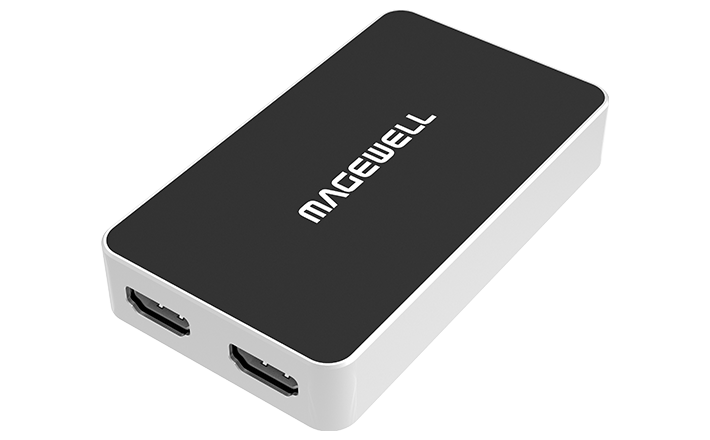
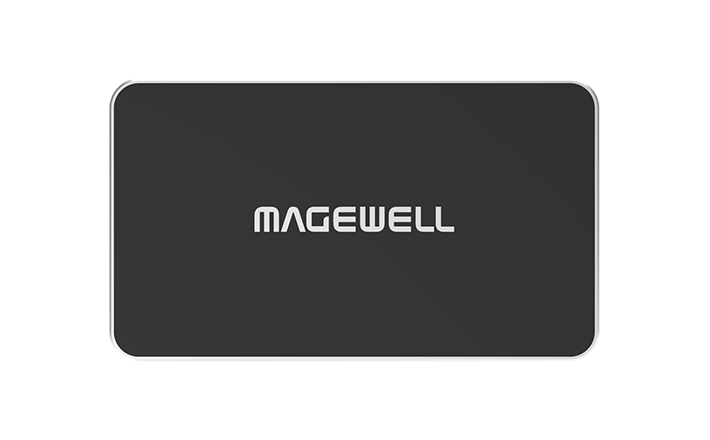
Magewell USB Capture HDMI Plus
Capture an HDMI source over USB while the room screen keeps its picture, and add a microphone at the device.
- ✓One HDMI 1.4 input, up to 4096×2160 at 30 fps (4:4:4) or 60 fps (4:2:0), so a 4K laptop or camera can stay at its own resolution
- ✓HDMI loop-through at the same maximum as the input, so the monitor or projector carries on working with no splitter to buy
- ✓Captures up to 2048×2160; a 4K input is scaled down for capture inside the device
- ✓3.5 mm microphone input and 3.5 mm headphone output, so you can add a voice and check the sound without extra audio kit
- ✓Driver-free installation on Windows, Linux, macOS and Chrome OS
- ✓USB 3.0, also compatible with USB 2.0
- ✓Powered from the USB port, about 4.5 W maximum, so there is no power supply to carry
Watch the videos
Plays from YouTube when you press play. All our videos · Setup & guides playlist
Magewell USB Capture setup guide
Which model and USB port, every connection, using it as a camera in OBS, Zoom and Teams, the USB Capture Utility settings that matter, several units on one computer, and common fixes.
Watch on YouTube Planning sheet (PDF)Magewell USB Capture range
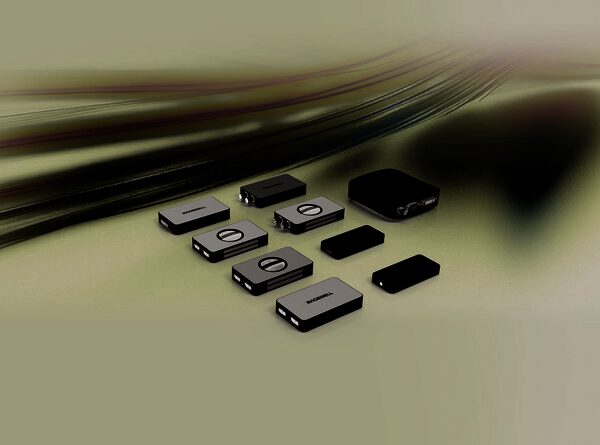
Plug-and-play HDMI, SDI, DVI and 4K capture over USB. Your computer sees the device as a webcam, so it works in OBS, vMix, Zoom, Teams and other software with no drivers to install.
Watch on YouTubeAbout this product
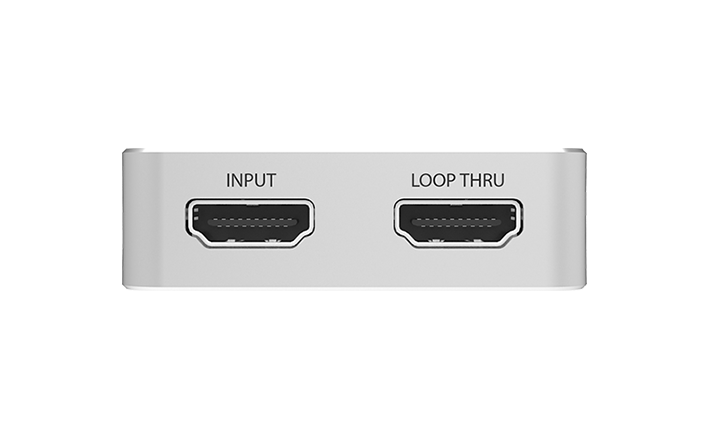
The classic problem in a lecture theatre or meeting room is that the presenter's laptop has to feed the projector and be captured at the same time. The USB Capture HDMI Plus solves it in one device. It takes one HDMI signal and passes it to a computer over USB, so streaming, recording or conferencing software can use it as a video source. Compared with a basic HDMI to USB capture device it adds three useful things: an HDMI loop-through, a microphone input and a headphone output.
4K goes in, 2K is captured
The HDMI input and the loop-through accept up to 4096×2160, at 30 frames per second in full 4:4:4 or 4:2:2 colour, or at 60 frames per second in 4:2:0. Capture to the computer is up to 2048×2160. The device automatically scales a 4K source down to 2K for recording or streaming. So a 4K source stays 4K on the loop-through monitor, while the computer receives a picture sized for streaming and recording, and nobody has to change the laptop's display settings. If the computer must receive 4K, see the USB Capture HDMI 4K Plus.
What goes in
- HDMI. One HDMI 1.4 input, which also accepts DVI-D. Custom EDID is supported, which lets you control what resolution the source is told to send.
- HDMI audio. Up to eight channels of 24-bit embedded audio at up to 192 kHz on the input. Up to two channels are passed to the computer.
- Microphone. A 3.5 mm microphone socket carries two channels of audio into the capture, so the presenter's voice can be recorded with the slides.
What comes out
- Loop-through. One HDMI output that passes the source on to a monitor or projector, up to the same maximum as the input. The room sees the source as normal while you capture.
- To the computer. Uncompressed video over USB in YUY2, UYVY, RGB24 or RGB32 format, up to 2048×2160, with frame rates up to 120 fps.
- Headphones. A 3.5 mm headphone socket plays either the sound from the HDMI signal or sound from the computer, so you can confirm there is audio before you start recording.
Why choose it
The device can crop, scale up or down, de-interlace (turn an interlaced picture into full frames), change aspect ratio, convert colour format, convert frame rate, and flip or mirror the picture. This is FPGA-based processing with zero CPU usage. In plain terms, the conversion work is done inside the device, which frees your computer for the software you are running. Scaling makes the picture fit the size you ask for, using the detail in the source.
- Presenter set-ups. The laptop feeds the room screen through the loop-through while a second computer captures the same picture. One device does the job of a splitter and a capture device.
- Power. It runs from the USB port with no additional power source, drawing about 4.5 W at most (900 mA at 5 V), so there is one cable to the computer and nothing to plug into the wall.
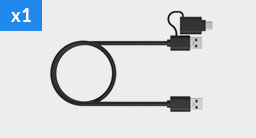
- Size. 98.1 × 56.8 × 17 mm, which fits on a lectern or in a kit bag. A 63 cm USB 3.0 cable is in the box.
Setting it up
- Driver-free. The USB Capture family installs without a driver and detects the input automatically. Connect the source, plug the USB cable into the computer, then pick the device in your software.
- USB port. The connection is USB 3.0. It is compatible with USB 2.0 and USB 3.1 Gen 1 as well.
- Operating systems. Windows 10 and 11 (and Windows Server 2016 to 2025), Linux with kernel 2.6.35 and above on x86, x64 and ARM, Mac OS X 10.9 and above, macOS 10.12 and above, and Chrome OS.
- Software. It works with Zoom Rooms, Microsoft Teams, Skype for Business, Google Hangouts, GoToMeeting, VLC, OBS Studio, XSplit and QuickTime Player, plus other DirectShow, V4L2 or AVCaptureSession software, so you can use the meeting or streaming software listed here without changing it.
- Settings and firmware. Magewell’s free USB Capture Utility shows and changes the capture settings and upgrades the firmware.
Where it sits in the range
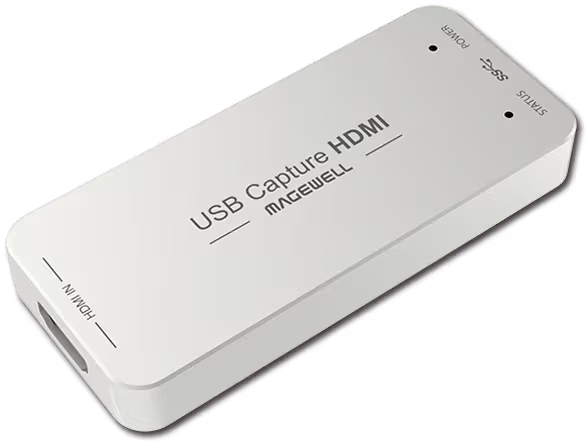
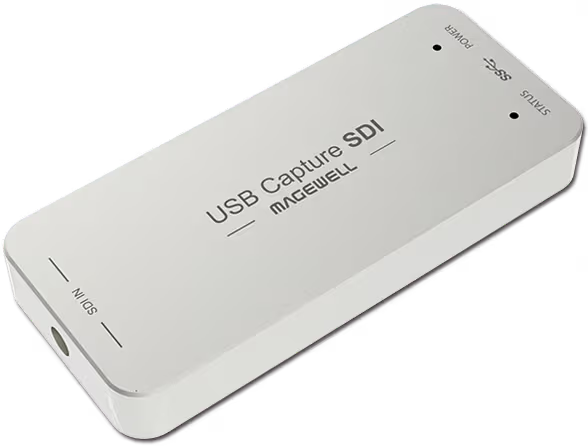
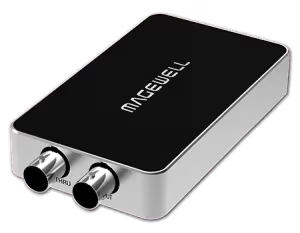
The USB Capture HDMI Gen 2 is the simpler HDMI model, with a single 2048×1080 HDMI input and the USB connection. The USB Capture SDI Plus is the SDI counterpart. The whole family is on the USB Capture range page.
Related Products
Further Reading
Frequently Asked Questions
Up to 2048×2160. It accepts a 4K input (up to 4096×2160), passes 4K to the loop-through, and automatically scales down to 2K for recording or streaming. For 4K capture see the USB Capture HDMI 4K Plus.
It is an HDMI output that passes the source on to a monitor or projector while the device captures, which saves buying a splitter. It supports the same maximum as the input: 4096×2160 at 30 fps in 4:4:4 or 4:2:2, or at 60 fps in 4:2:0.
A microphone input and a headphone output. The microphone input carries two channels into the capture. The headphone output plays the HDMI sound or sound from the computer, so you can listen at the device.
Installation is driver-free, with automatic input detection. The optional USB Capture Utility is for checking and changing settings and upgrading firmware.
Yes. OBS Studio, Microsoft Teams and Zoom Rooms are compatible, along with Skype for Business, Google Hangouts, GoToMeeting, VLC, XSplit and QuickTime Player, and other DirectShow, V4L2 or AVCaptureSession software.
Windows 10 and 11 (and Windows Server 2016 to 2025), Linux with kernel 2.6.35 and above on x86, x64 and ARM, Mac OS X 10.9 and above, macOS 10.12 and above, and Chrome OS.
From the USB port, with no additional power source, so there is no adapter to carry. The maximum draw is about 4.5 W (900 mA at 5 V). The box contains a 63 cm USB 3.0 cable.
New products and Magewell updates
No marketing noise. Just new product launches, firmware updates, and the occasional guide.
No spam. Unsubscribe any time. Your email is never shared.
Enjoying your visit? Quick rating of your browsing experience so far:
Anything specific? (optional)