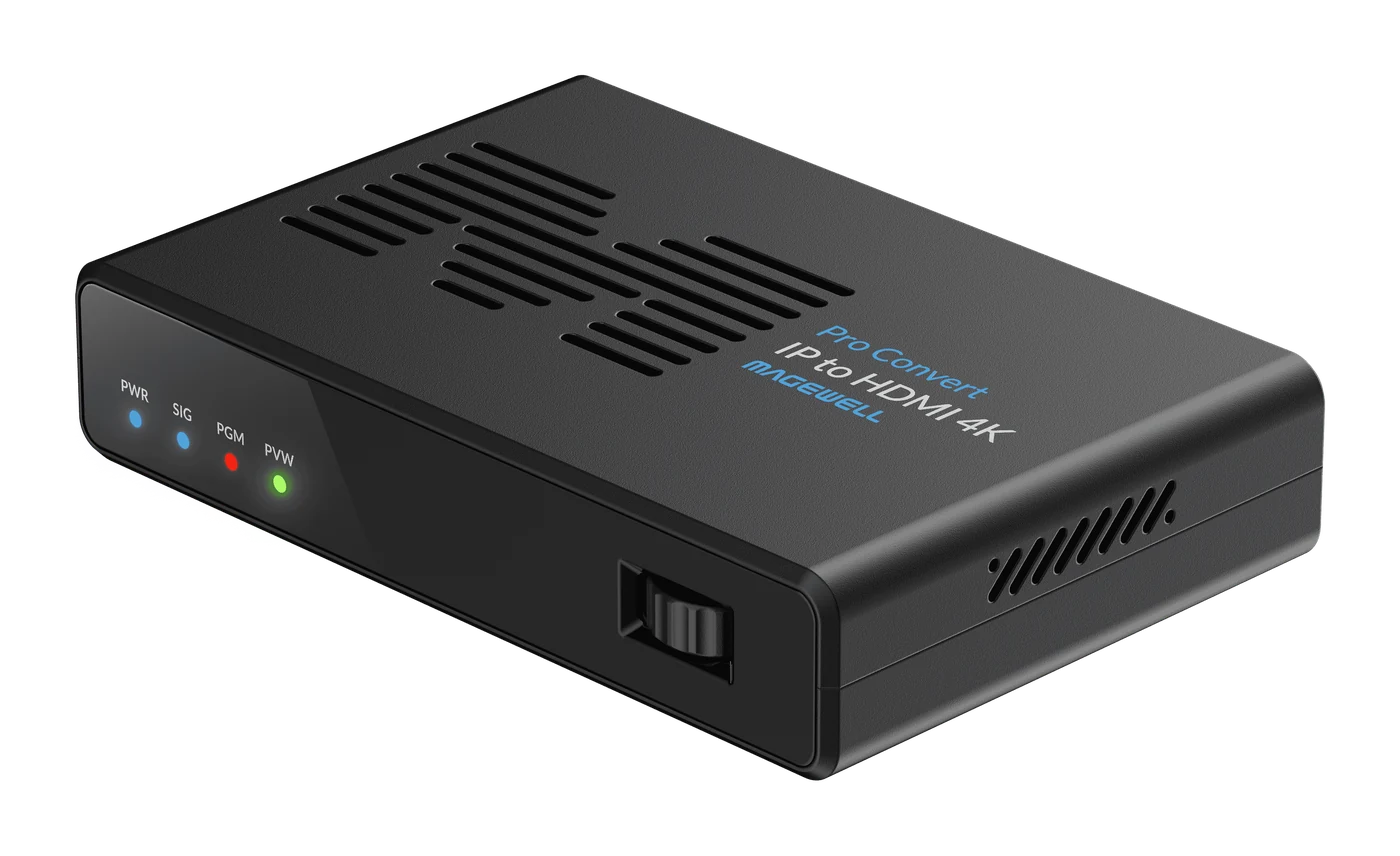
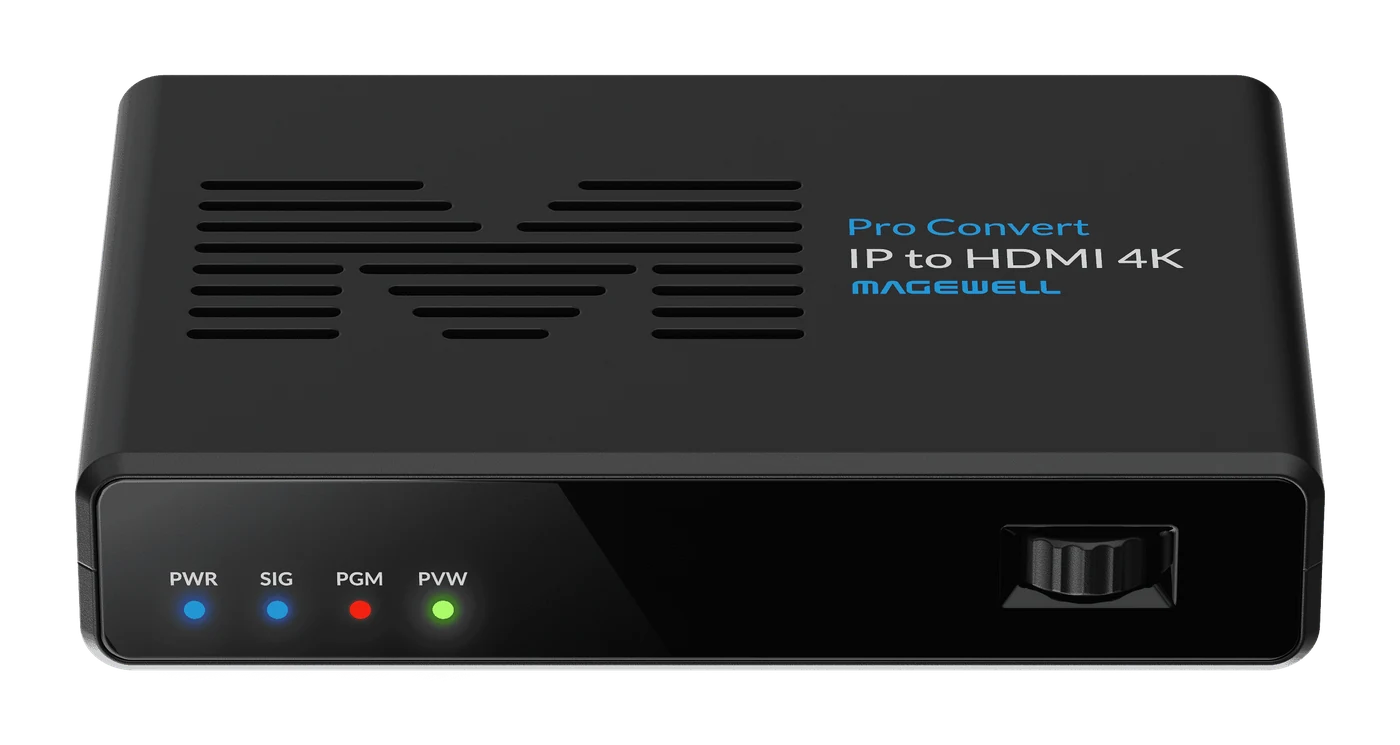
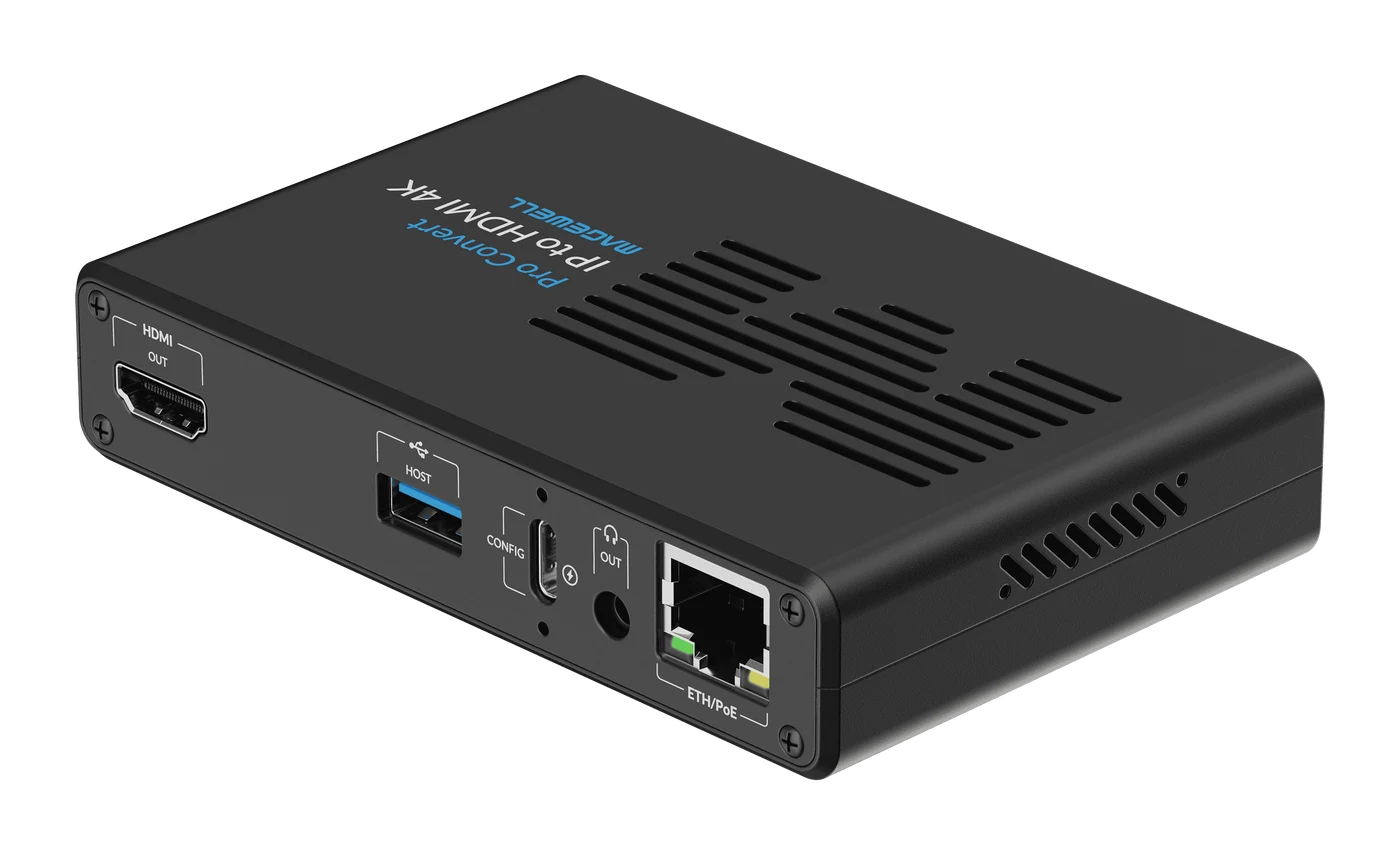
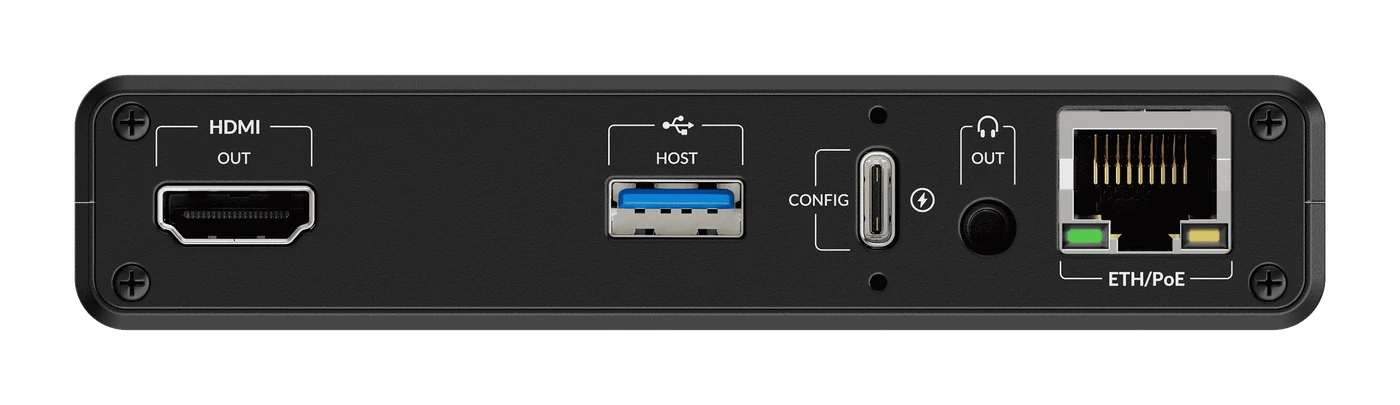
Magewell Pro Convert IP to HDMI 4K
Up to four IP streams to one 4Kp60 HDMI output.
- ✓One 4Kp60 IP stream, or up to four HD streams, decoded at once
- ✓4Kp60 HDMI 2.0 output — 4:4:4 8-bit or 4:2:2 10-bit, HDR10 and HLG
- ✓Single view, picture-in-picture and quad-view layouts
- ✓NDI High Bandwidth, HX2 and HX3, SRT, RIST, RTMP, RTSP, HLS and Zixi
- ✓PoE+ or USB-C powered — Web UI, Control Hub or Zixi ZEN Master managed
- ✓2 year warranty
Watch the video
Plays from YouTube when you press play. All our videos
Magewell Pro Convert family
NDI encoders, NDI decoders, IP and multiview decoders and AES67 audio converters: getting video and audio onto the network and off again, with no computer at either end.
Watch on YouTubeAbout this product
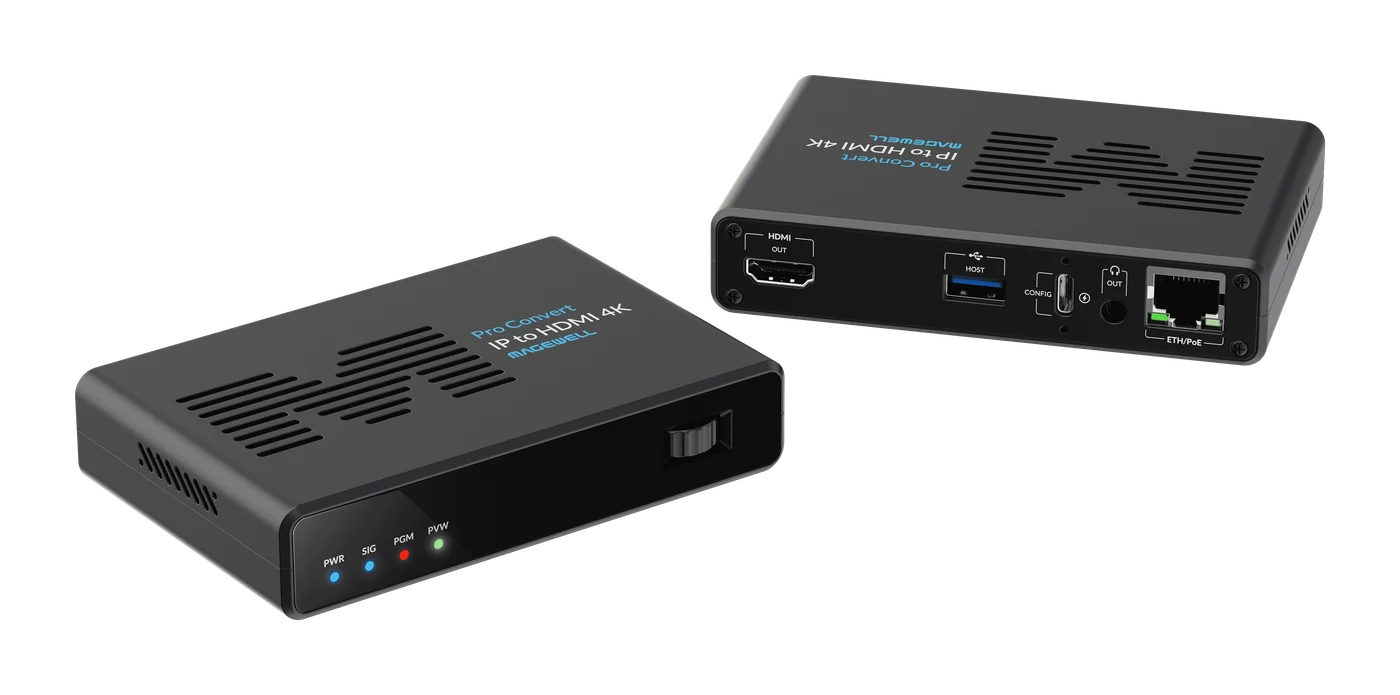
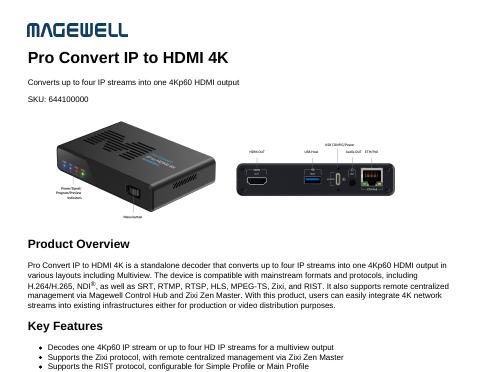
The Pro Convert IP to HDMI 4K is a standalone decoder that takes video from the network and puts it on an HDMI display at up to 4096×2160 at 60 frames per second. It decodes a single 4Kp60 stream full-screen, or up to four HD streams at once, arranged as picture-in-picture or a quad-view multiview on one screen.
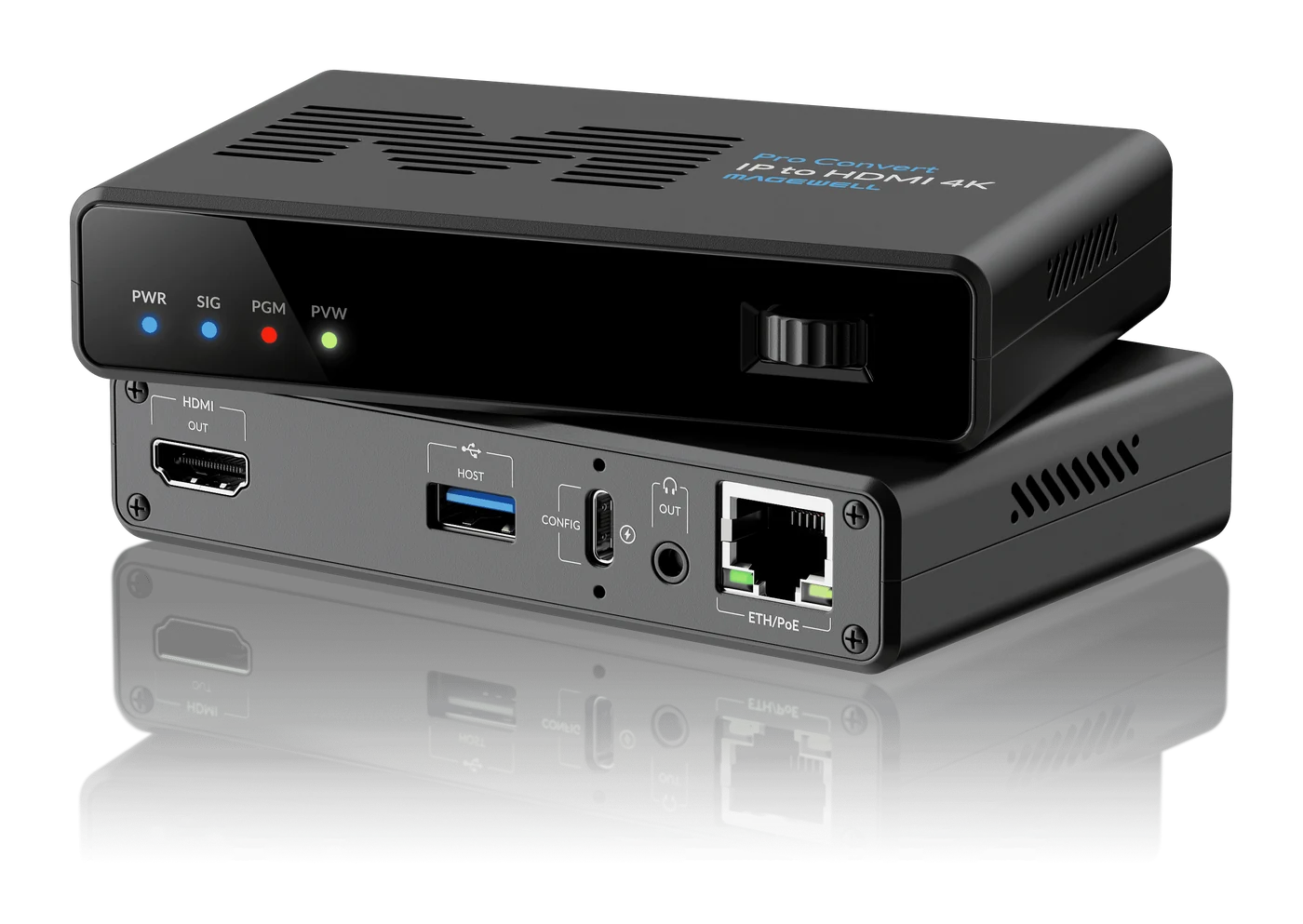
It accepts the formats used across broadcast, professional AV and IT networks: NDI® High Bandwidth, NDI HX, HX2 and HX3 (NDI 6.3), plus SRT, RIST, RTMP, RTSP, HLS, MPEG-TS and Zixi, carrying H.264, H.265, SpeedHQ or MPEG-2 video. The output is HDMI 2.0 with HDR10 and HLG support, BT.2020 colour and eight channels of embedded audio, with a separate 3.5mm line output.
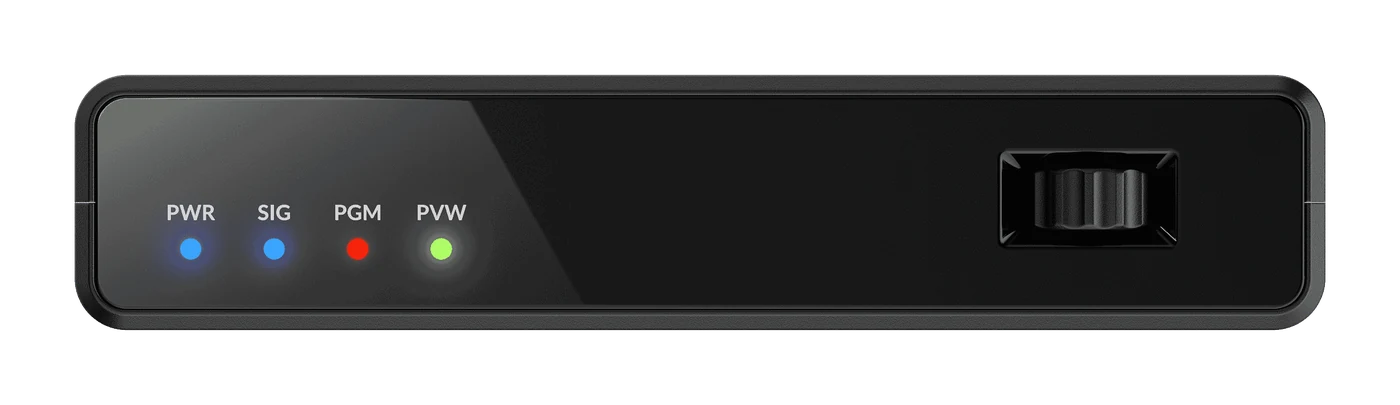
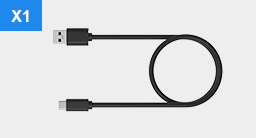
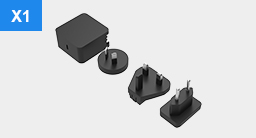
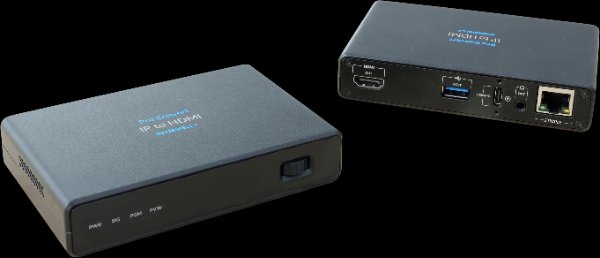
The unit is powered over PoE+ or from the included USB-C power adapter, so a single Ethernet cable is often all it needs. Set it up from the browser-based Web UI, from the on-board rotary button and on-screen menu, or with a USB keyboard and mouse plugged into the device. Larger installations can register every unit with Magewell Control Hub or Zixi ZEN Master for centralised remote management. Front-panel tally lights show when an NDI source is live or in preview.
Multiview: what you can put on screen
The decoder has three screen layouts, and you can move between them without touching a cable.
- Single screen. One stream fills the display, at up to 4096×2160 and 60 frames per second.
- Picture-in-picture. Two streams at up to 1080p60 each: a main picture with a second one inset. You can swap the two, drag the inset to any position and change its size.
- Quad split. Four streams at up to 1080p60 each, one in each quarter of the screen.
Layouts are saved as profiles. A profile stores the layout and which source sits in each window, and the decoder holds up to nine of them. Applying a profile takes one click, so an operator can go from a four-camera quad view to the programme feed full-screen, or to a presenter with slides inset, without rebuilding anything.
Each window takes either a source you have saved as a preset or an NDI source found on the network. The output carries one audio programme at a time: by default it follows the first window, and you can switch it to the source in any other window.
Two limits are worth knowing before you plan a layout. Quad split works with H.264 and H.265 sources (NDI HX, HX2, HX3, SRT, RTMP and the other IP protocols) but not NDI High Bandwidth. In picture-in-picture, only one of the two sources can be NDI High Bandwidth or MPEG-2.
What that means in practice
- One box in place of several. A single unit can stand in for four separate decoders plus a multiviewer, which means fewer devices to buy, mount, power and manage.
- No computer behind the screen. It is a self-contained decoder with an HDMI output, so there is no PC to boot, update or log in to. Connect it to any HDMI display or projector.
- Room for four full HD pictures. A 3840×2160 screen has exactly the pixel area of four 1920×1080 pictures, so a 4K display has room for a quad view with every source at full HD size.
- Mixed sources on one display. An NDI camera, an SRT feed from a remote site and an RTMP stream can share the same screen.
- One cable where PoE+ is available. Network and power arrive over the same Ethernet cable; the USB-C power adapter is in the box for switches without PoE+.
- HDR-ready. HDR10 and HLG output with BT.2020 colour for displays that support it.
Setting it up and keeping an eye on it
- NDI sources on the network are found automatically. For anything else, paste the stream address and the decoder recognises the type: RTSP, RTMP pull or push, HTTP and HLS, MPEG-TS over UDP, RTP, SRT or RIST, and Zixi pull. Sources are saved as named presets.
- The Web UI dashboard shows a live preview of the output alongside the decoded resolution and frame rate, dropped video and audio samples, jitter, CPU load, device temperature and network send and receive rates — the figures you need when a remote feed is misbehaving.
- If a source carries PTZ control data, the camera can be steered from the preview window. Tally (programme and preview) is supported for NDI sources and shown on the front-panel lights.
- On site, the rotary button and on-screen menu, or a USB keyboard and mouse, let you change settings at the display without a laptop.
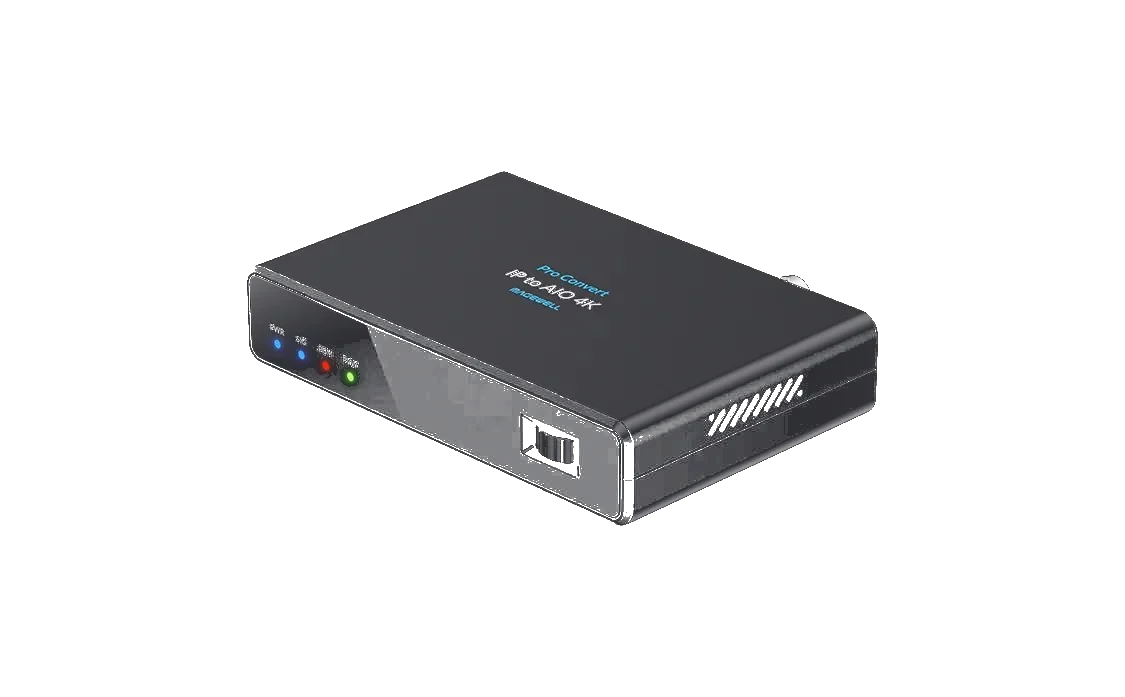
Where it sits in the range: if QHD output is enough, the Pro Convert IP to HDMI is the lower-cost multiview decoder; if you need 12G-SDI alongside HDMI, see the Pro Convert IP to AIO 4K.
Related Products
Further Reading
Frequently Asked Questions
The Pro Convert IP to HDMI 4K receives video streams from the network — NDI High Bandwidth, NDI HX, HX2 and HX3, SRT, RIST, RTMP, RTSP, HLS, MPEG-TS and Zixi — and outputs them over HDMI 2.0 at up to 4096x2160 at 60fps. It decodes H.264, H.265, SpeedHQ and MPEG-2 video.
Yes. It has three output modes: Single View decodes one stream at up to 4Kp60; Picture-in-Picture decodes two streams at up to 1080p60 each; Quad View decodes four streams at up to 1080p60 each. In Quad View the sources must be H.264 or H.265 (NDI HX, HX2, HX3 or an IP protocol) — NDI High Bandwidth is not supported in Quad View, and only one of the two Picture-in-Picture sources can be NDI High Bandwidth or MPEG-2.
The Pro Convert IP to HDMI outputs up to QHD (2560x1440). The Pro Convert IP to HDMI 4K outputs up to 4096x2160 at 60fps over HDMI 2.0, with HDR10 and HLG support. The Pro Convert IP to AIO 4K adds a 12G-SDI output alongside HDMI — choose that model if you need SDI.
It runs from PoE+ (IEEE 802.3at) over the Ethernet cable, or from its USB-C port using the universal 12V power adapter included in the box. Maximum power consumption is approximately 12 W.
Through its browser-based Web UI, the on-board rotary button with an on-screen menu, or a USB keyboard and mouse connected to the device. For multiple units it can be registered with Magewell Control Hub or Zixi ZEN Master for centralised remote management, and it also provides HTTP APIs.
New products and Magewell updates
No marketing noise. Just new product launches, firmware updates, and the occasional guide.
No spam. Unsubscribe any time. Your email is never shared.
Enjoying your visit? Quick rating of your browsing experience so far:
Anything specific? (optional)