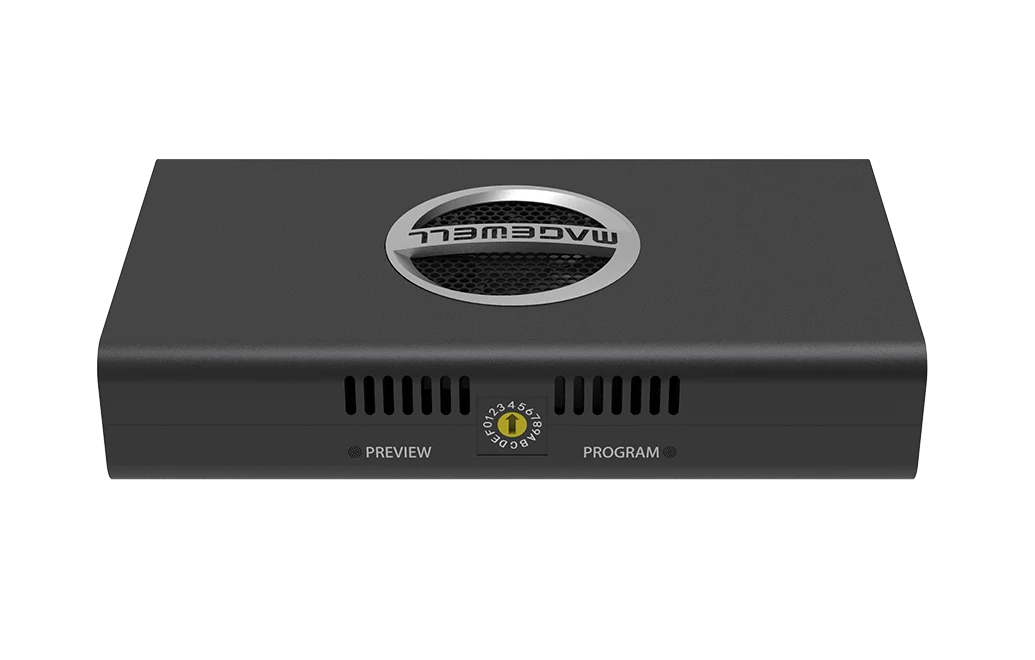
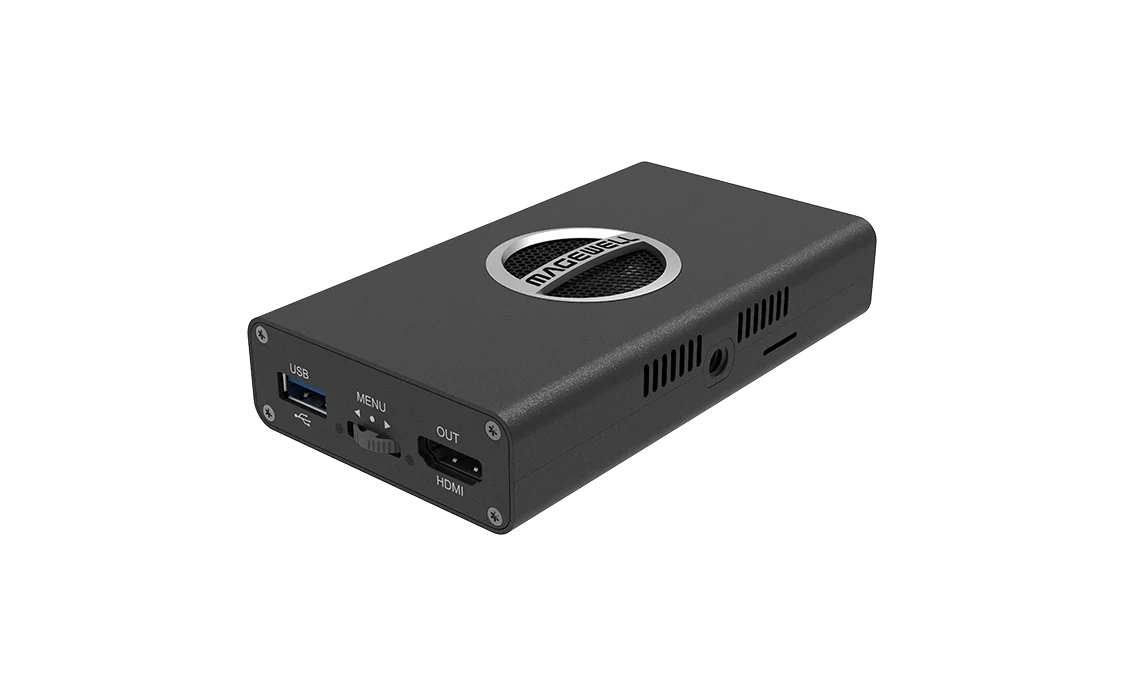
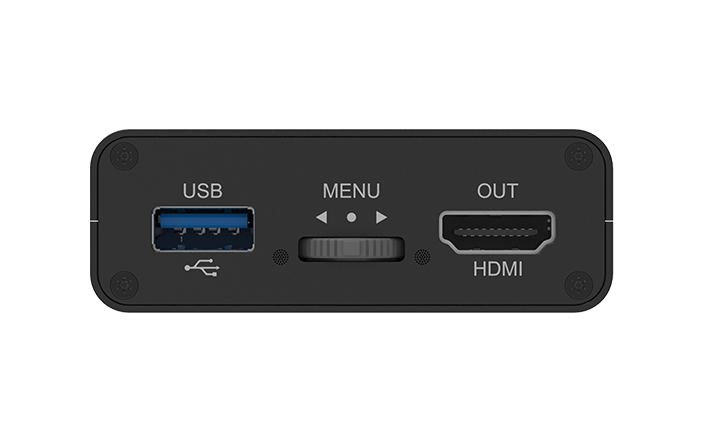
Magewell Pro Convert for NDI to HDMI 4K
Show an NDI or IP stream on an HDMI screen at up to 4K 60 fps, with no computer at the display.
- ✓Decodes one stream at up to 4Kp60 (NDI High Bandwidth, NDI HX, HX2 and HX3, RTSP, HTTP, HLS, RTMP and MPEG-TS over UDP, SRT or RTP), so one NDI decoder covers local and remote sources
- ✓HDMI output up to 4096×2160 at 60 fps, 4:4:4 8-bit (HDMI 1.4 / 2.0), ready for a 4K screen or projector
- ✓Eight-channel embedded audio on the HDMI output, so sound reaches the display on the same cable
- ✓Powered by standard PoE (IEEE 802.3af) at about 7.2 W, so there is no socket to find at the screen, or by the supplied 5 V USB adapter
- ✓Set it up from a browser, a USB keyboard and mouse, or the buttons on the unit, with nothing to install
- ✓Preview and programme tally indication for NDI, so you can see at a glance when the source is live
Watch the video
Plays from YouTube when you press play. All our videos
Magewell Pro Convert family
NDI encoders, NDI decoders, IP and multiview decoders and AES67 audio converters: getting video and audio onto the network and off again, with no computer at either end.
Watch on YouTubeAbout this product
When a 4K picture has to reach a screen that is a long way from the source, the network is often the easiest route. The Pro Convert for NDI to HDMI 4K is the box at the far end: a small standalone NDI decoder for installers, production teams and anyone putting network video on a display. It takes one video stream from your network and turns it into an HDMI signal for a screen, projector or any other HDMI equipment, at up to 4096×2160 at 60 frames per second. No computer is needed at the display.
What goes in
One stream at a time, arriving over the Gigabit Ethernet port, at up to 4Kp60:
- NDI. NDI High Bandwidth (the full-quality version, also called Full NDI) and the compressed NDI HX, HX2 and HX3 versions, with support for NDI 6.2. You can choose the NDI flavour that suits your network and keep the same decoder.
- Streaming protocols. RTSP, HTTP, HLS, RTMP (pull or push) and MPEG-TS over UDP, SRT or RTP.
- Codecs. SpeedHQ (the codec used by NDI High Bandwidth), H.264 and H.265 video, with AAC and MP3 audio.
- Alpha channel. It decodes an alpha channel, which is the transparency information carried with some NDI graphics.
What comes out
- HDMI. One HDMI output (HDMI 1.4 / 2.0) at up to 4096×2160, 60 fps, 4:4:4 8-bit.
- Audio. Eight channels embedded in the HDMI signal, up to 96 kHz 16-bit, so there is no separate audio cable to run.
- Fitting the display. The output is optimised automatically for the connected display, with built-in up and down conversion, so the picture fits the screen whatever the resolution of the stream. Image flip suits upside-down projector mounts, and there are safe-area controls.
Where it earns its place
- A 4K screen anywhere there is a network point. Any NDI source on the network can be shown on an HDMI display without running a long HDMI cable.
- One cable in many rooms. It runs from standard PoE (IEEE 802.3af), so a normal PoE switch can power it through the network cable.
- More than NDI. Because it also takes SRT, RTMP, RTSP and HLS, it can show a stream from an encoder at another site.
- Small enough to tuck away. The unit measures 117.5 × 66.7 × 23.4 mm and an L-bracket is supplied for fixing it in place.
- Tally. The unit indicates preview and programme tally, so you can see when the NDI source it is showing is live.
Set it up from your desk or at the screen
- From a browser. The Web UI is where you choose the source and set the output resolution, de-interlacing, on-screen display, audio gain and channel mapping, and update firmware. It works from any computer on the network, which saves a trip to each display.
- At the screen. Plug a USB keyboard or mouse into the USB Type-A port, or use the on-board controls, and pick the source on the display itself.
- Many units. Decoders can be registered with Magewell Control Hub and managed together, which keeps a building full of screens in one view. HTTP APIs are provided for control systems.
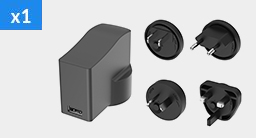
- Power. Use PoE, or the supplied 5 V / 2.1 A power adapter and USB cable where the switch has none. Maximum consumption is about 7.2 W.
Where it sits in the range
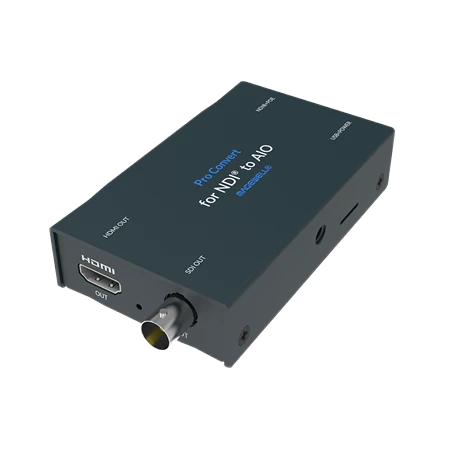
This is the 4K model, with one HDMI output. If you need SDI, the Pro Convert for NDI to AIO outputs HDMI and SDI together at up to 1920×1080 at 60 fps. If you want to show several streams on one screen, the Pro Convert IP to HDMI decodes up to four at once. The other decoders are on the Pro Convert decoders page.

Related Products
Further Reading
Frequently Asked Questions
It puts network video on an HDMI display. It receives one video stream over the network and outputs it on HDMI at up to 4096×2160 at 60 frames per second. It works on its own, with no computer at the display.
NDI High Bandwidth, NDI HX, HX2 and HX3, RTSP, HTTP, HLS, RTMP pull or push, and MPEG-TS over UDP, SRT or RTP, at up to 4Kp60. Video codecs are SpeedHQ, H.264 and H.265.
Standard PoE (IEEE 802.3af) is enough, with maximum consumption of about 7.2 W, so an ordinary PoE switch port will run it. You can also power it from the supplied 5 V / 2.1 A adapter over USB.
It shows one stream at a time, full screen. For up to four streams on one screen, see the Pro Convert IP to HDMI.
Audio is embedded in the HDMI output, with eight channels, so the display gets sound on the same cable. For an SDI output, choose the Pro Convert for NDI to AIO.
From the Web UI in a browser, from Control Hub, or at the screen itself using the on-board controls or a USB keyboard and mouse plugged into the unit. You can pick whichever is closest to hand.
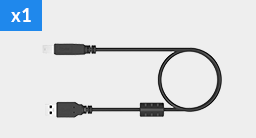
The decoder, a power adapter, a USB Type-A to Type-B cable and an L-bracket, so power and mounting are covered where there is no PoE.
New products and Magewell updates
No marketing noise. Just new product launches, firmware updates, and the occasional guide.
No spam. Unsubscribe any time. Your email is never shared.
Enjoying your visit? Quick rating of your browsing experience so far:
Anything specific? (optional)