Capture · Record · Stream · Encode · DecodeCapture · Record · Stream · Encode · Decode
NDI works in two directions. Encoders take a video signal (HDMI or SDI) and put it onto the network as an NDI stream. Decoders take an NDI stream from the network and turn it back into HDMI or SDI. Production software such as vMix, or OBS Studio with an NDI plug-in, can both receive and send NDI.
The Pro Convert HDMI TX and SDI TX are the simplest standalone NDI encoders. Each has one input and no loop-through. Connect the source and the network, and the unit appears as an NDI source to NDI-compatible systems on the same network. Power comes over the network cable (PoE) or from the supplied USB adaptor.
The Pro Convert HDMI Plus and SDI Plus add a loop-through output. The source passes straight on to a local monitor or mixer while it is encoded to NDI, so you need no splitter.
The Pro Convert HDMI 4K Plus encodes HDMI at up to 4096×2160 and 60 frames per second to NDI High Bandwidth in 4:2:2 colour. For 12G-SDI at 4K and 60 frames per second, choose the 12G SDI 4K Plus. All of these encoders output NDI High Bandwidth only. For NDI HX2, SRT or RTMP, look at the Ultra Encode HDMI.
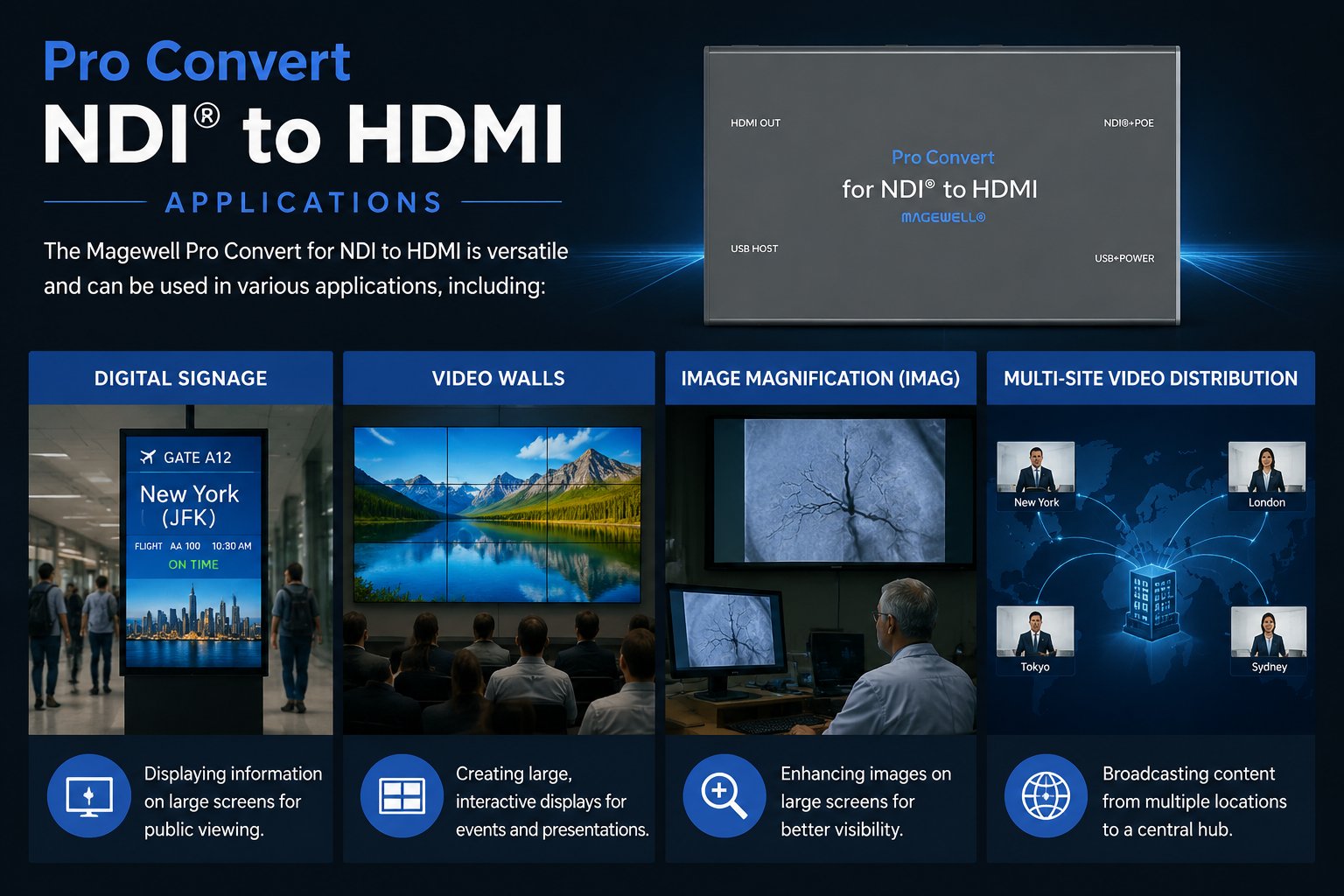
The Pro Convert NDI to HDMI takes an NDI stream of up to 2048×1080 at 60 fps from the network and outputs it as HDMI for a local display. No computer is required. It also accepts RTMP and MPEG-TS over SRT. For 4K NDI sources, the Pro Convert NDI to HDMI 4K decodes one stream at up to 4K60.
The Pro Convert NDI to SDI outputs 3G-SDI at up to 1080p60 for SDI equipment. The NDI to AIO has both an HDMI and an SDI output, and both are active at the same time.
The simplest NDI workflow: put a Pro Convert HDMI TX at the camera position and connect it to your network. Run vMix on a production computer on the same network, and the encoder appears in its list of NDI sources. The only cable to run to the camera position is the network cable, which can also power the encoder from a PoE switch.
When you need many NDI encode or decode channels in one rack, the Modator Chassis 2U is the tidier way to do it. It holds up to ten hot-swappable Magewell modules in 2U of rack space, with dual hot-swappable power supplies and a front touch screen for status.
No marketing noise. Just new product launches, firmware updates, and the occasional guide.
No spam. Unsubscribe any time. Your email is never shared.
Enjoying your visit? Quick rating of your browsing experience so far:
Anything specific? (optional)